Configuring Security
TIMS MVP™ Setup and Configuration Guide 83
Migrate TIMS3 Config
Migration will replace the current settings of TIMS MVP™ with settings exported from the TIMS3
Migration Utility. You should export your current TIMS MVP™ settings using Export Config if
you would like to be able to restore them.
Export TIMS MVP Current Settings
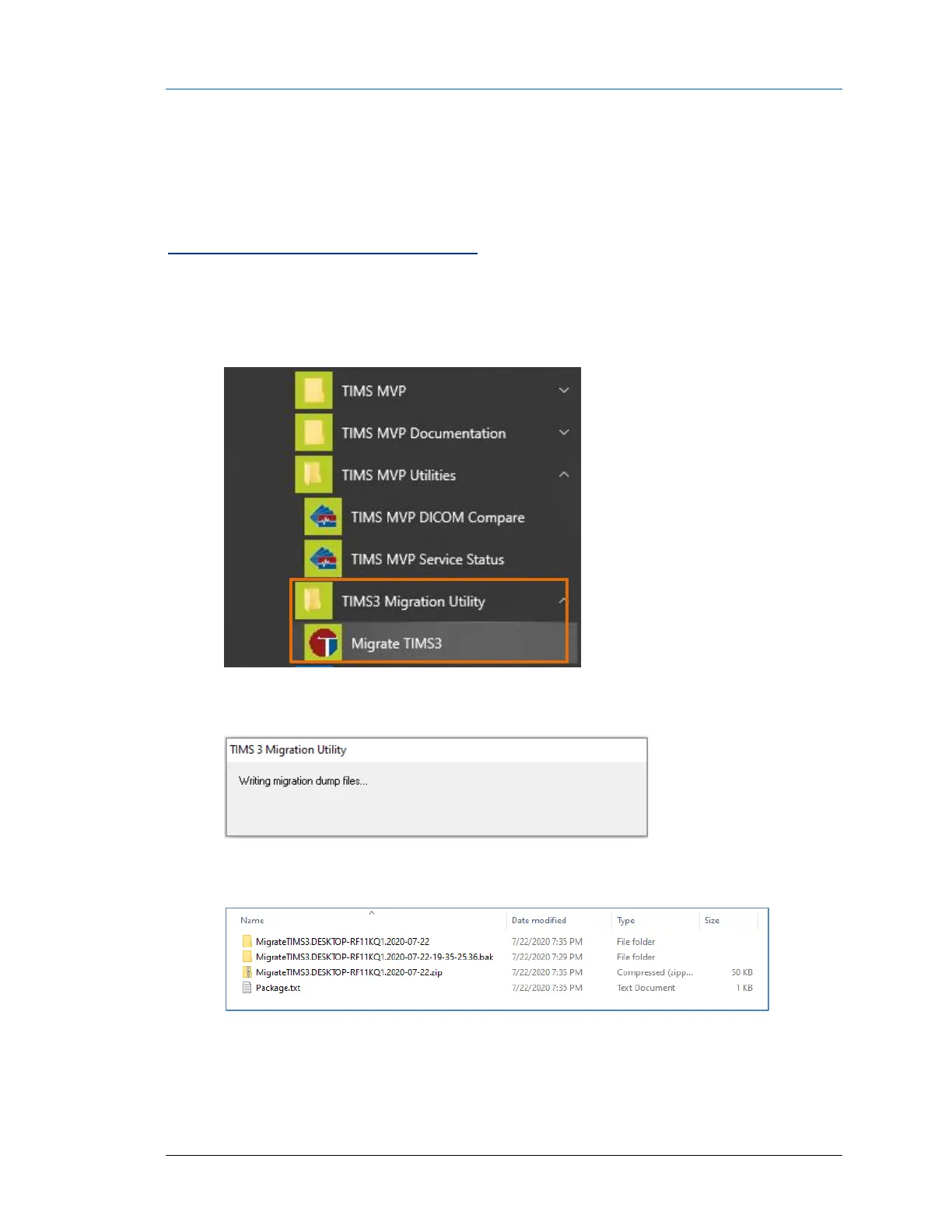
To export the TIMS MVP™ current settings:
• Go Windows Start > TIMS3 Migration Utility > Migrate TIMS3.
• The TIMS3 Migration Utility saves the current TIMS MVP™ settings.
• The folder where the TIMS MVP™ settings migration was saved displays.



 To Next Page