Getting Started
TIMS MVP™ Setup and Configuration Guide 49
Configuring DICOM Destinations
The DICOM Server is configured on the TIMS MVP™ Configuration page. This page allows you to:
• Add a DICOM server to the TIMS MVP™ system
• Edit a DICOM server
• Delete a DICOM server
• Duplicate the configuration from an existing DICOM server
• Override the Worklist Application Entity (AE) title
• Add local settings for the worklist
Configuring DICOM Server Settings
There are two options you configure on the DICOM Servers home page:
• Override the Application Entity (AE) title
• Configure the Worklist local settings
To configure the DICOM Server settings:
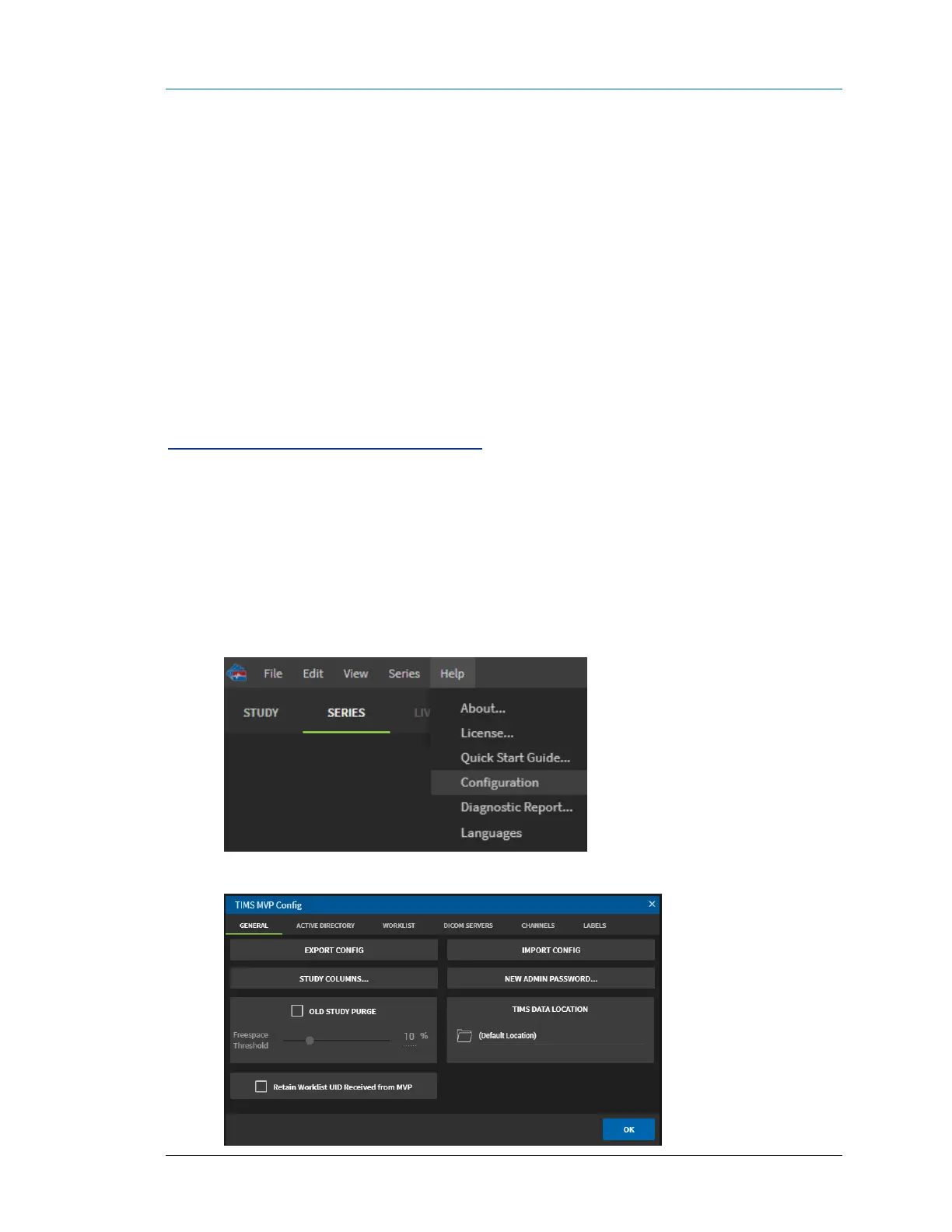
1. Click the Help menu and select Configuration.
2. From the TIMS MVP Config page, click the DICOM SERVERS tab.



 To Next Page