Using Auto-SYNC for Digital Input Connections
192 TIMS MVP™ Setup and Configuration
Guide
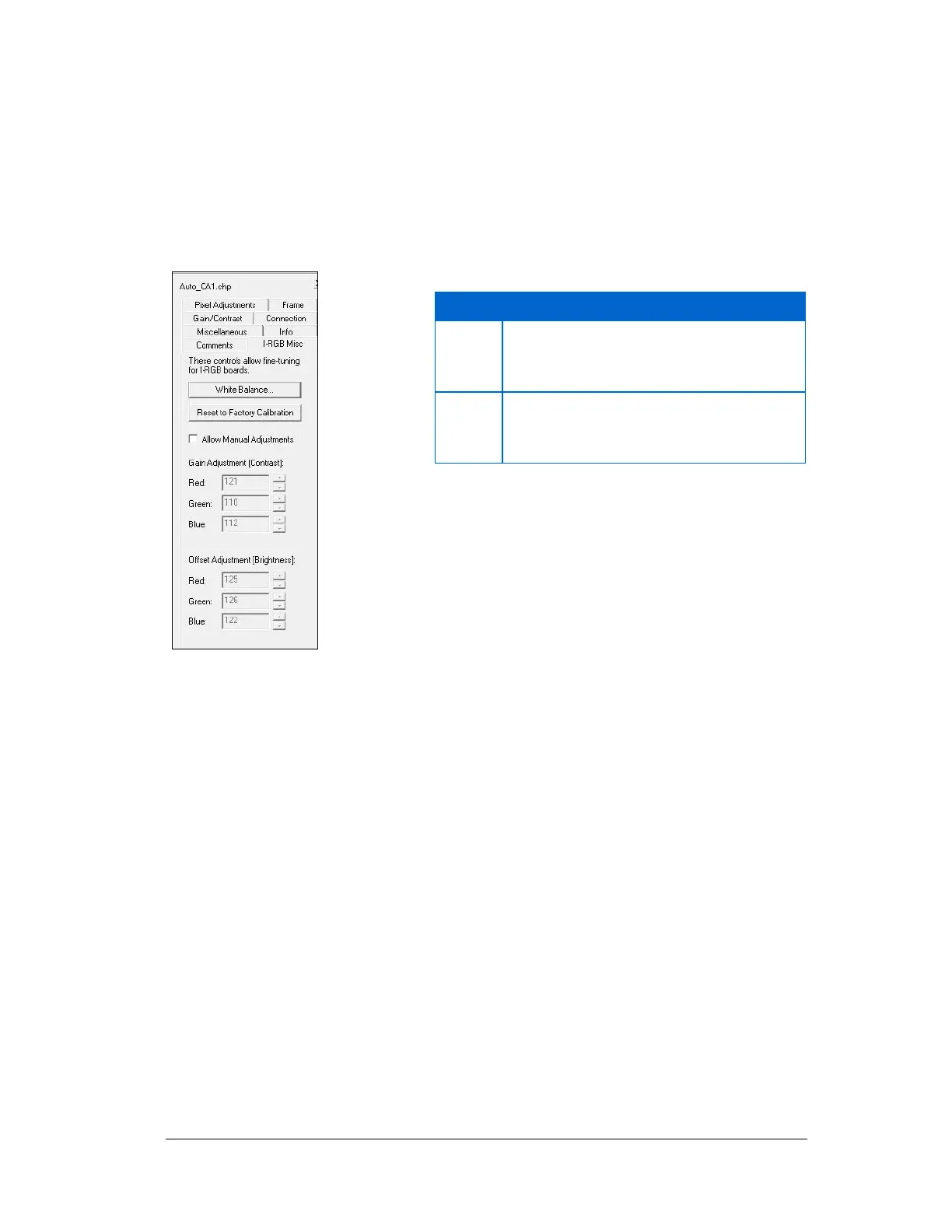
AccuStream RGB Gain/Offset Settings
When an AccuStream RGB setting is used by a CHP file, depending on the frame grabber
model, Auto-SYNC may display an I-RGB Misc tab that normally allows you to edit the
following video settings:
Figure 93: AccuStream RGB Gain and Offset video settings
Note: AccuStream boards are originally calibrated by Foresight Imaging, Inc.
As White Balance is an analog only function that adjusts the amount of red, green, and blue
in the black and white portion of the image.
The White Balance function is not available when using digital video.
Adjust Combined RGB Settings
The Combined RGB Settings is only available on the I-Series and
AccuStream170 frame grabbers and not supported with the
AccuStream+, HD+ and HD+C series frame grabbers.
Sets the RGB gain adjustments for the
individual red, green, and blue channels.
RGB gain affects the image contrast.
Sets the RGB offset adjustments for the
individual red, green, and blue channels.
RGB offset affects the image brightness.



 To Next Page