Getting Started
TIMS MVP™ Setup and Configuration Guide 39
Configure the TIMS MVP™ Worklist
The Worklist is configured on the TIMS MVP Configuration page. This page allows you to:
• Add a worklist to the TIMS MVP™ system
• Open the Worklist by default when you open TIMS MVP™
• Override the Worklist Application Entity (AE) title
• Add local settings for the worklist
• Test the Worklist settings
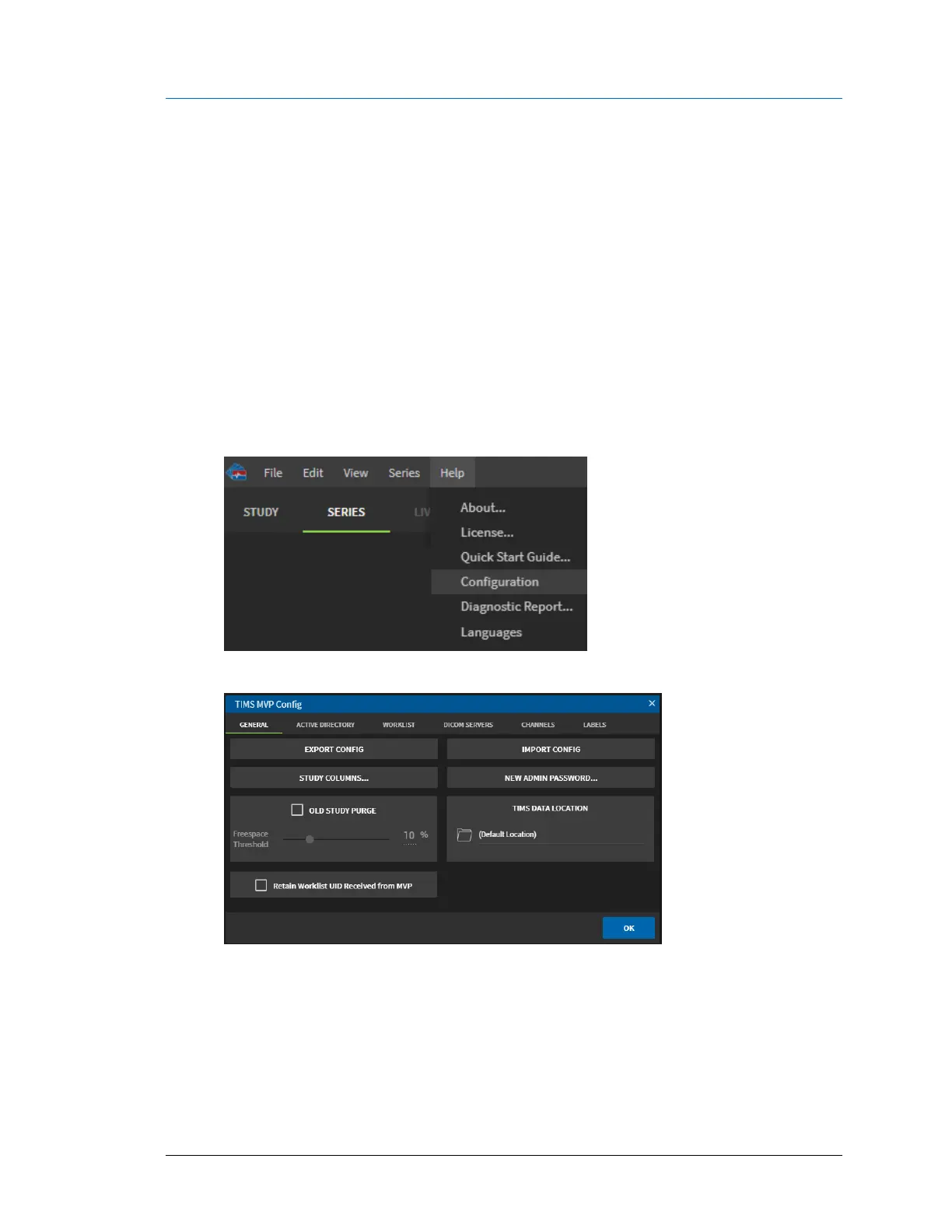
To access the Worklist configuration page:
1. Click the Help menu and select Configuration.
2. From the TIMS MVP Config page, click the Worklist tab.
Result: The Worklist page opens.



 To Next Page