Advanced Settings
TIMS MVP™ Setup and Configuration Guide 69
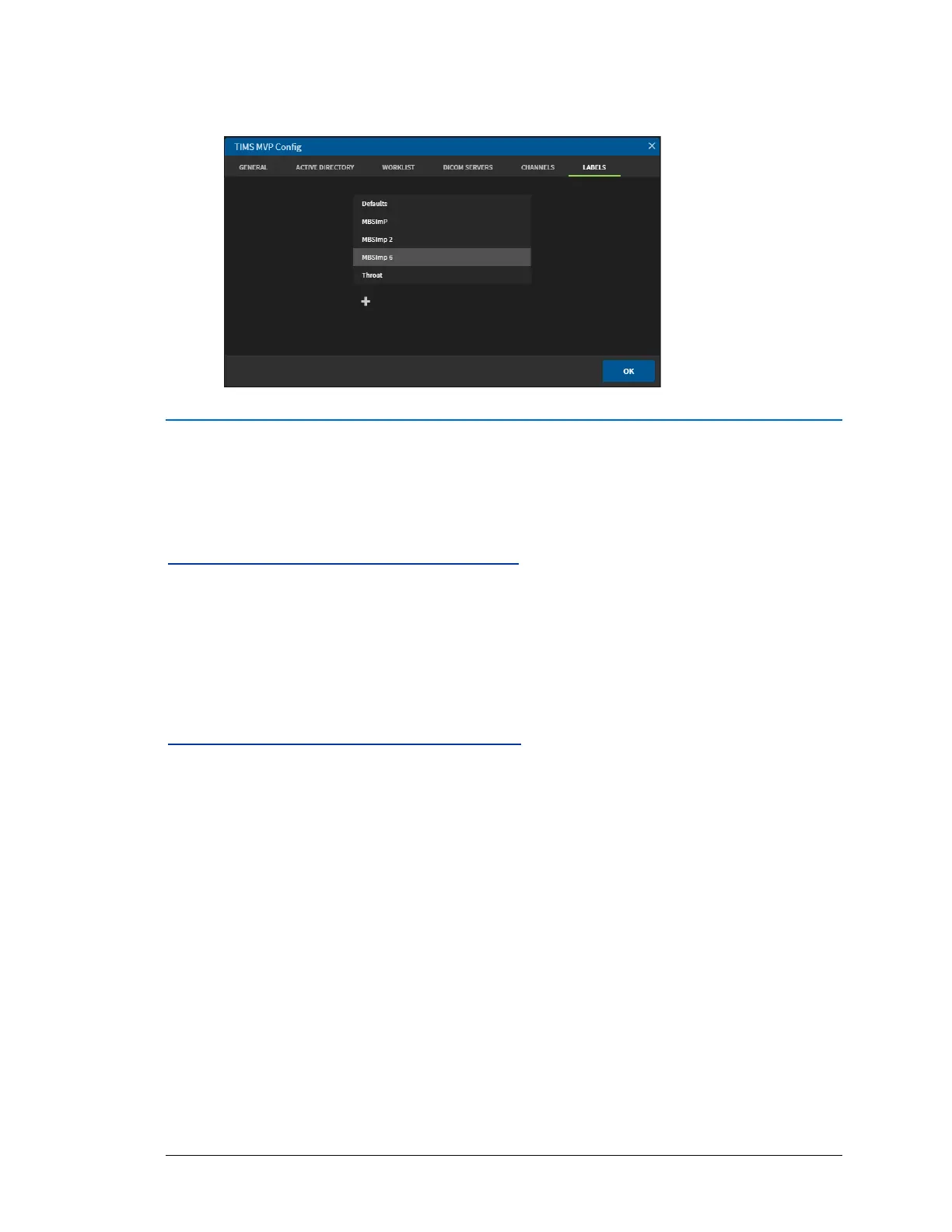
4. Click OK when done. The new label appears in the Labels list.
Windows Active Directory
This feature allows the site administrator to enable or disable the ability of users to access the
TIMS MVP™ and TIMS Review application.
System Requirements for TIMS Review
• A domain client for the TIMS MVP™ system.
• A domain client for Windows 10 TIMS Review computer.
• Administrative rights to the TIMS MVP™ system and/or TIMS Review workstation.
Configuring the Active Directory Server
On the Active Directory Server:
1. Create a group for TIMS MVP™ application access:
(Example group: TIMS_PERMISSION_RUN)
2. Add the desired TIMS MVP™ individual domain users to the group.
NOTE: Be sure to add the Domain Administrator to the Group as well.



 To Next Page