IDEA Auto-SYNC with RGB/VGA/DVI Analog Video
TIMS MVP™ Setup and Configuration Guide 105
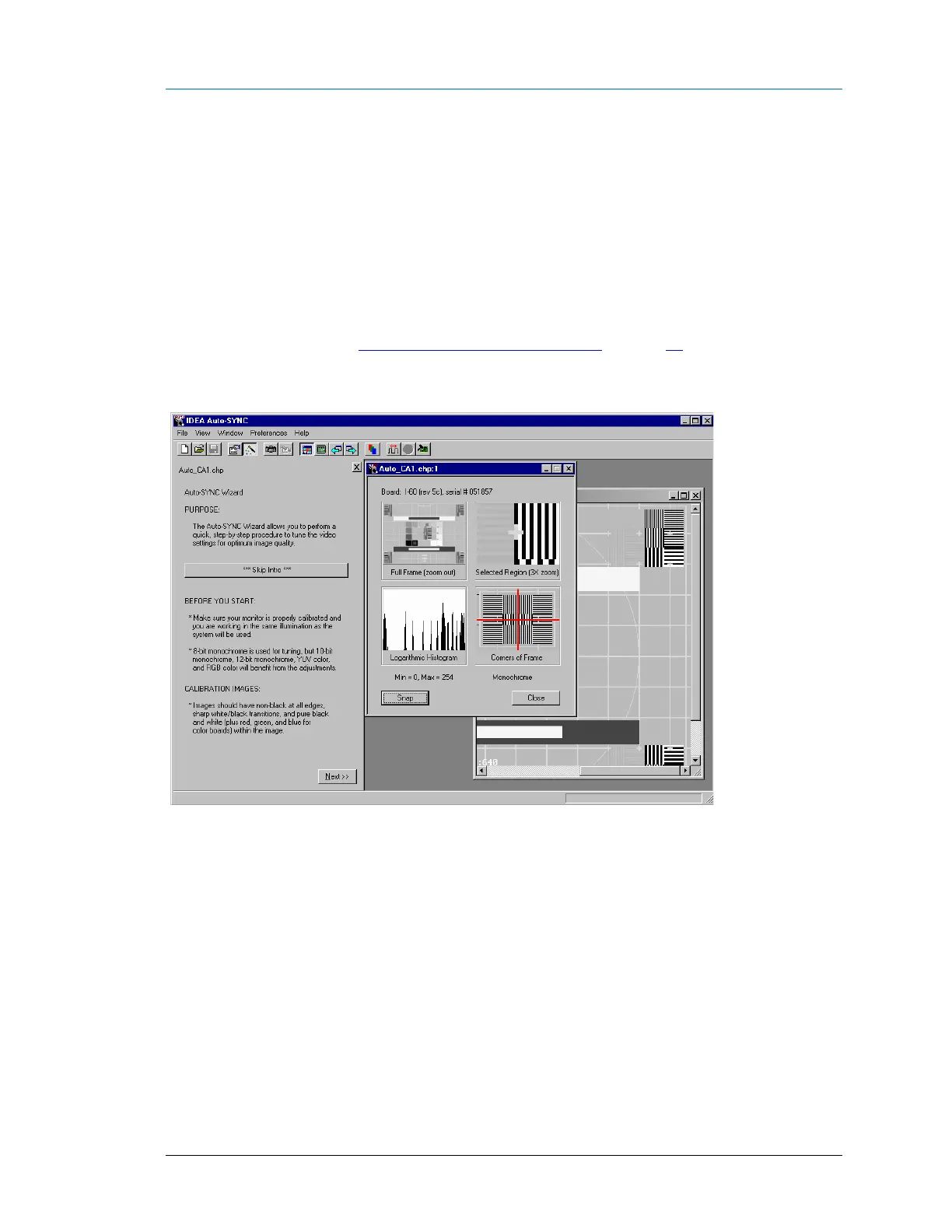
Running the Auto-SYNC Wizard (Analog)
Once the IDEA Auto-SYNC process has completed, the Auto-SYNC Wizard is automatically
started to facilitate fine tuning of the video settings. The Auto-SYNC Wizard can be started
manually at any time.
To start the Auto-SYNC wizard, you can do one of the following:
▪ Click the Skip Intro to skip the video calibration images information. The 3 page introduction
provides basic information about image calibration and introduces the standard image types
that are most useful when using the Auto-SYNC Wizard. To view details on the video
calibration images, see Recommended Calibration Images on page 92.
▪ To view the video calibration images information as part of the Auto-SYNC wizard, click
Next.
Figure 15: IDEA Auto-SYNC Wizard introductory screen once the CHP file is created
Note: Quantum 802R set to DMT1260G format.



 To Next Page