Get Connected
TIMS MVP™ Setup and Configuration Guide 5
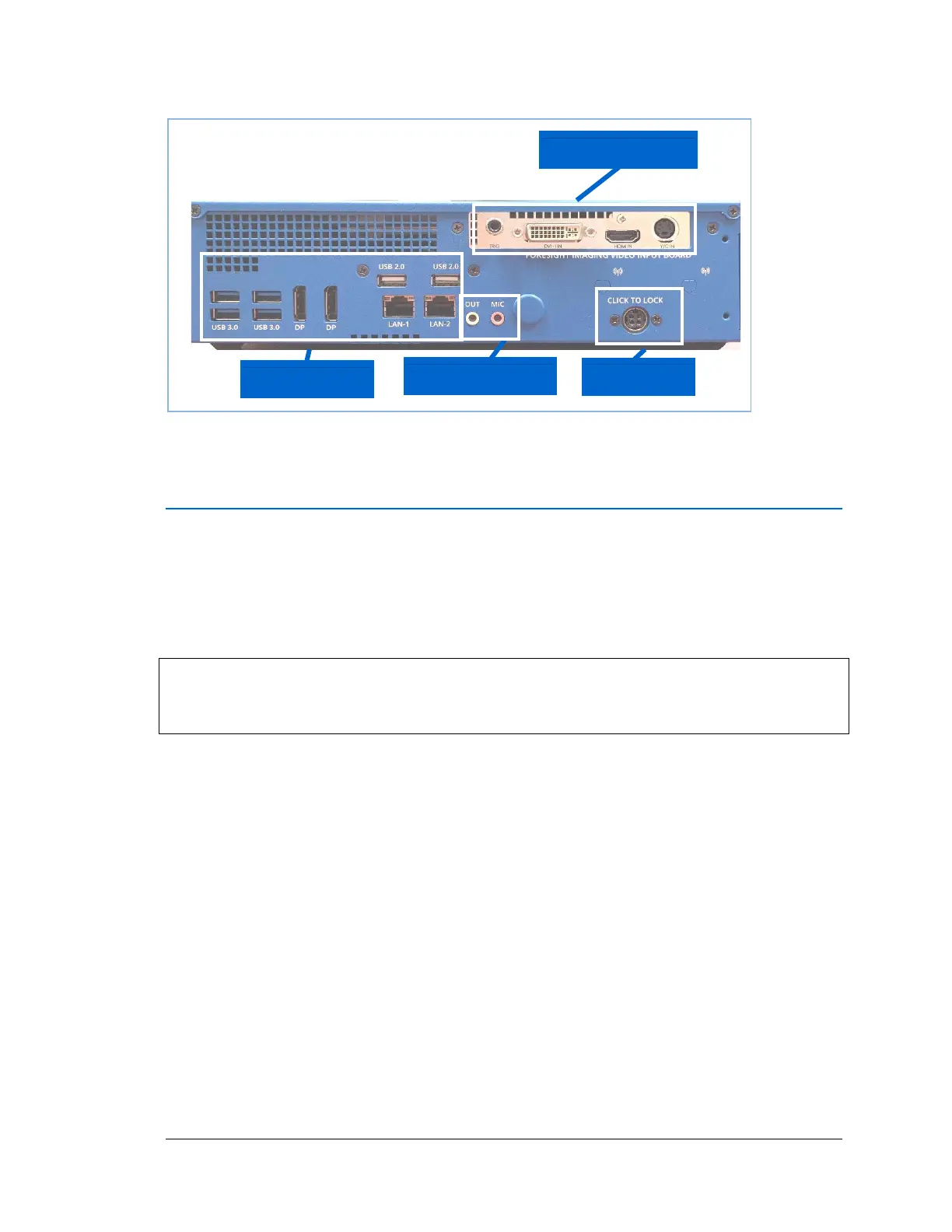
Rear View (Backplane)
Connecting your TIMS MVP™ System comprises standard PC connections (including network
connections) and Modality (imaging device) connections.
Indicate PC Connections
Your TIMS MVP™ System is equipped with the full range of standard PC connection options and
peripherals. The items included with TIMS MVP™:
• External Medical Grade Power Supply — US, Europe, or UK (as supplied)
IMPORTANT: Make sure the external power coupler is not difficult to disconnect from a power
outlet. This includes ensuring it is not blocked or in an area where it would be very difficult to
access and/or remove quickly.
• Keyboard
• Mouse
• DVI-D Cable
• BNC Barrel Connectors, Qty 6
• S-Video Cable
• Network cable, Cat6
• BNC Video Cable, Qty 2
• BNC Trigger Adapter
• Mono BNC to DVI Video Adapter



 To Next Page