Advanced Settings
TIMS MVP™ Setup and Configuration Guide 65
5. Add additional labels, as needed. When you have made all your selections, click OK. The
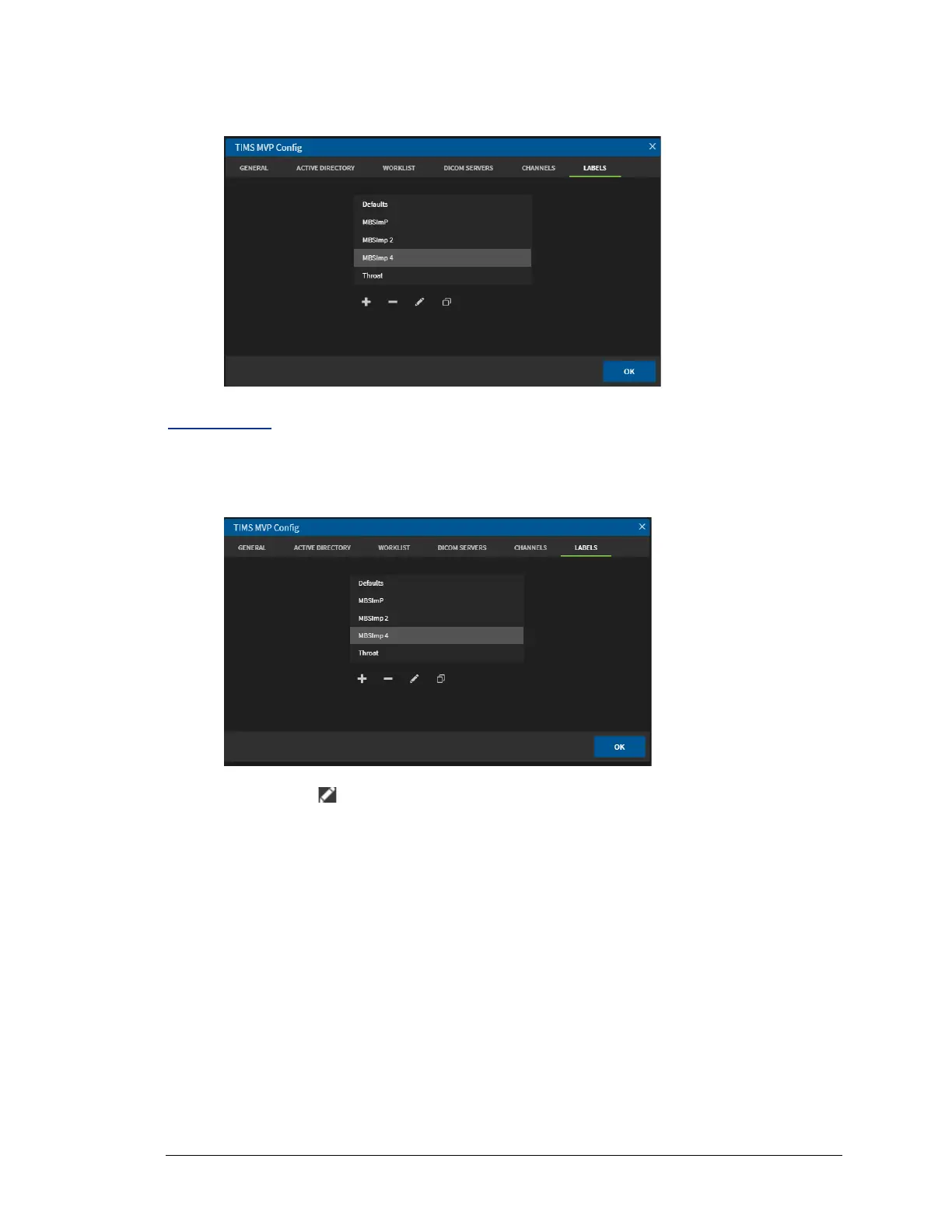
new list name displays on the Labels home page.
Edit a Label
To edit a label:
1. Select the Label you want to edit.
2. Click the Edit icon. The Label Editor displays.



 To Next Page