Using Auto-SYNC for Digital Input Connections
TIMS MVP™ Setup and Configuration Guide 237
Changing the SDTV Format
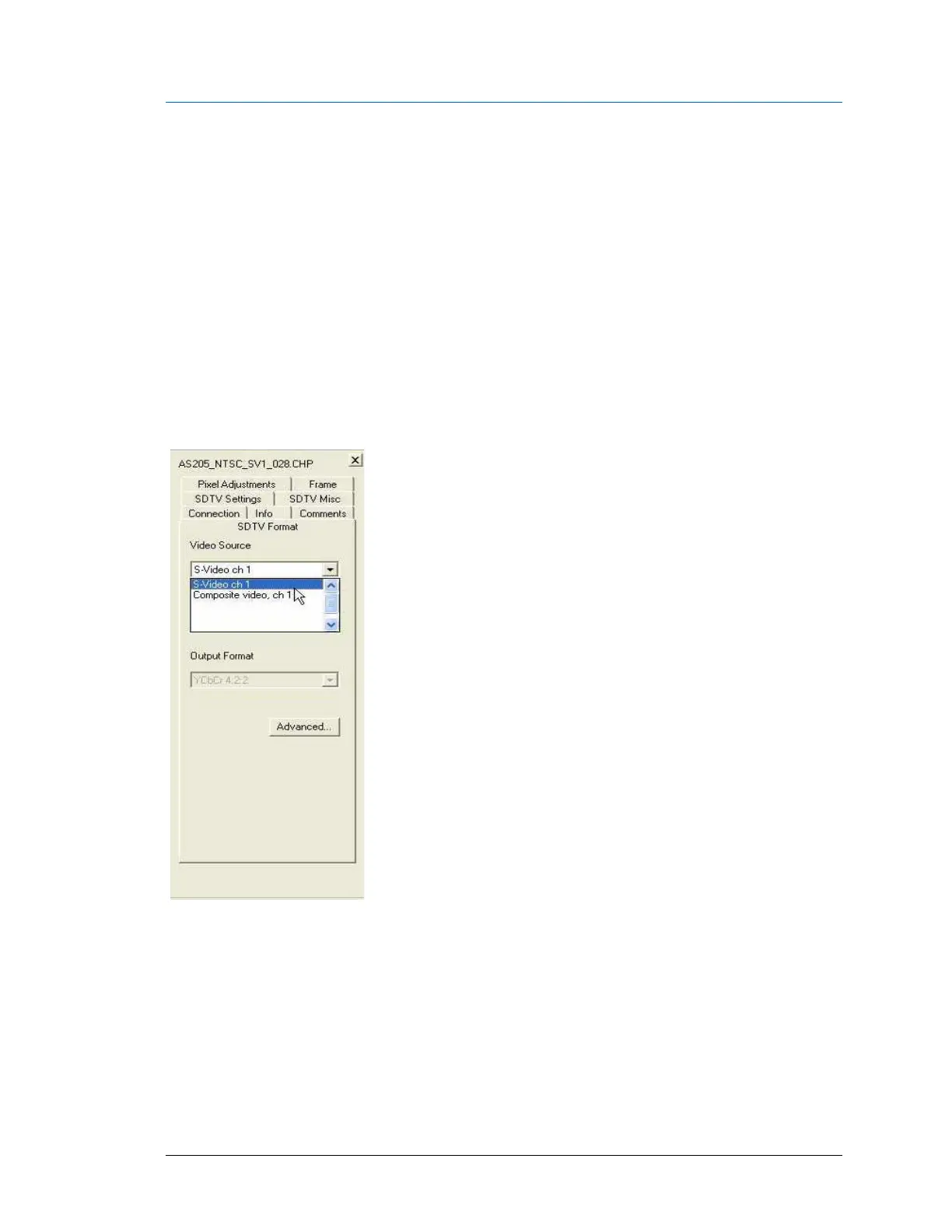
Use the SDTV Format tab to select a video source and output format.
• The Video Source selections include NTSC, PAL, S-Video or Composite input.
• The Output Format selects the format for the selected video source.
• The Advanced button allows you to adjust these video settings.
IMPORTANT: If you want to use the Advanced button to adjust video settings, it is
recommended that you contact Foresight Imaging using any of the methods listed on the back
cover of this manual.
Figure 132: SDTV Format Settings



 To Next Page