IDEA Auto-SYNC with RGB/VGA/DVI Analog Video
TIMS MVP™ Setup and Configuration Guide 145
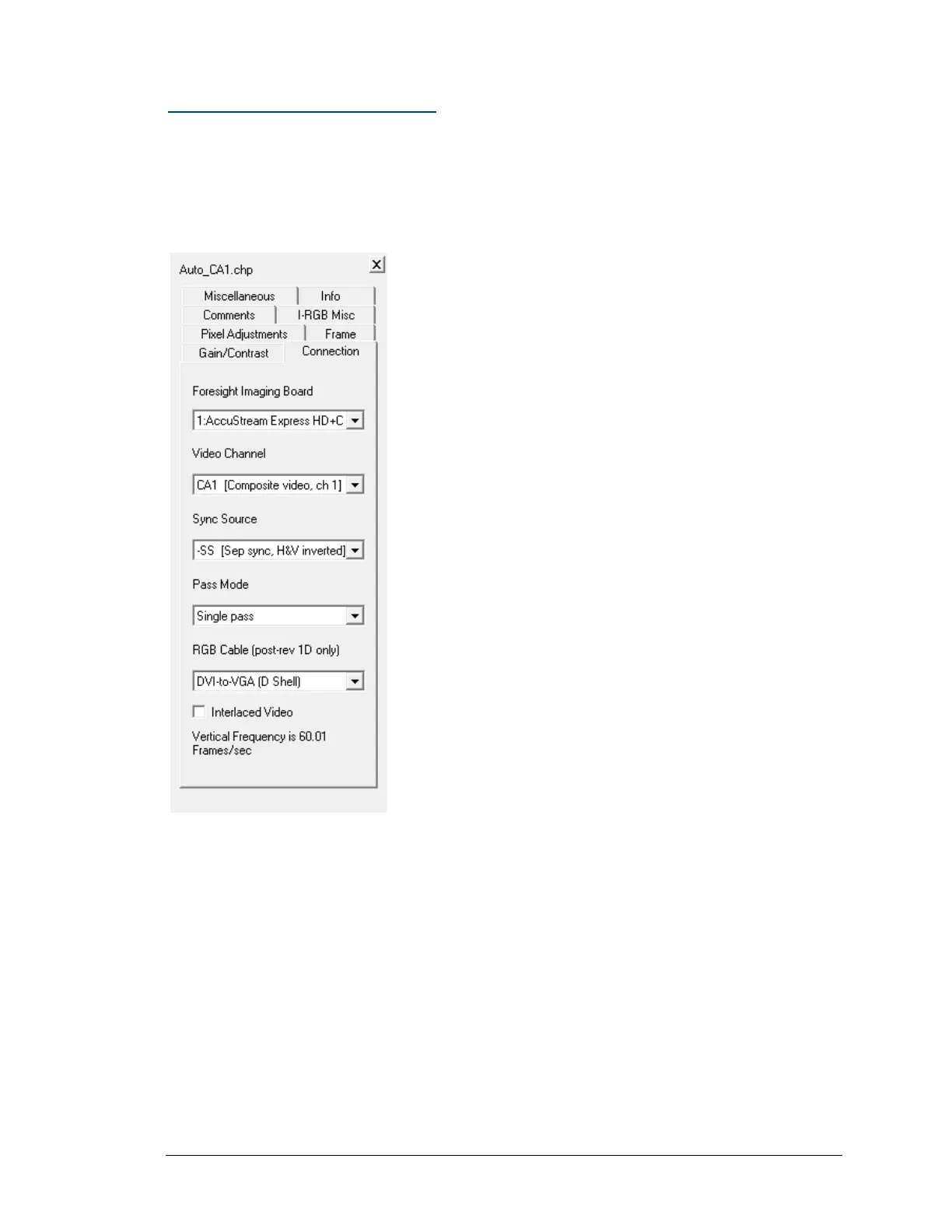
Changing Connection Settings
The options in the Connection tab concern the physical connection of the
AccuStream board, as well as its channel and sync source. If there are multiple AccuStream
boards installed in the current system or if you are setting up multiple channels, you should also
have multiple CHP files.
Figure 50: Connection video settings
The Connection tab is used to select boards, but is not used to select the video source; those
selections are grayed out.



 To Next Page