Get Connected
TIMS MVP™ Setup and Configuration Guide 13
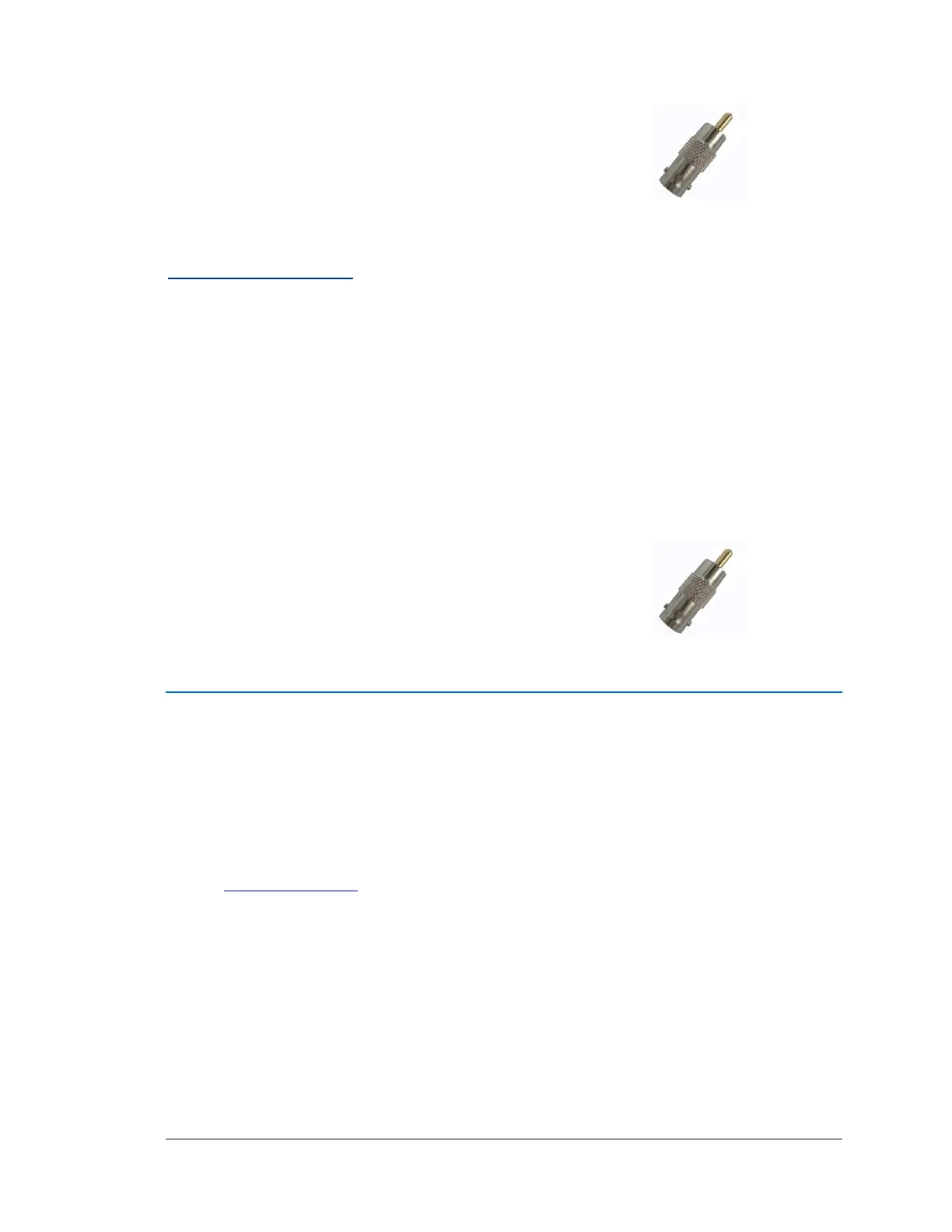
Optional Trigger
Connect to TIMS and to the trigger device.
Note: A trigger is a foot pedal or pushbutton device for
starting and stopping video capture.
HDMI Video Sources
HDMI Cables are optional for NTSC/PAL imaging devices:
For HDMI Connections
HDMI to DVI-D Cable (P/N: 030191)
HDMI to HDMI Cable (P/N: 030190)
Connection Steps:
1. Connect to TIMS .
2. Make DVD-I or HDMI Connection to device.
Optional Trigger
Connect to TIMS and to the trigger device.
Note: A trigger is a foot pedal or pushbutton device for
starting and stopping video capture.
Triggers
For a trigger to use with the TIMS MVP™ system, contact the modality manufacturer or service
provider. Also, you can use the TIMS relay trigger as an option. For the relay trigger, contact
TIMS at:
Phone: (001) 978-458-4624 ext. 204
Email: support@tims.com



 To Next Page