Advanced Settings
TIMS MVP™ Setup and Configuration Guide 61
Advanced Settings
Labels for Series Description Tags
The Labels tab on the Configuration page lets you provide a series description name and a series
description label.
You or an administrator (if you are not authorized to do so) can predefine series description
labels that will be applied automatically for a particular channel. This is useful when you
generally apply the same operational sequence with a particular modality.
• A sample label list name is provided as MBSImp.
• A Defaults label is provided which contains a selection of predefined series description
tags
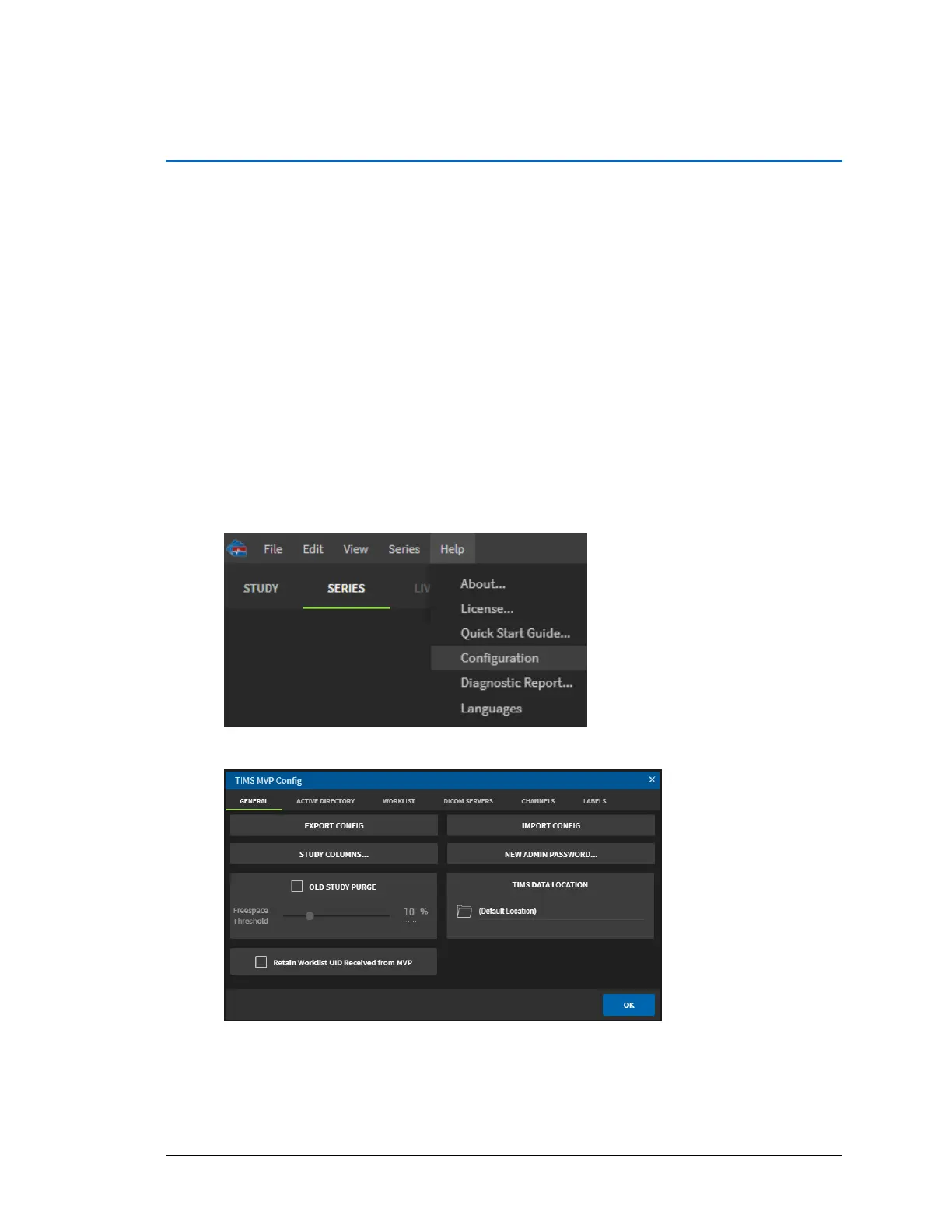
To access the series description labels:
1. Click the Help menu and select Configuration.
2. From the TIMS MVP Config page, click the Labels tab.



 To Next Page