Using Auto-SYNC for Digital Input Connections
TIMS MVP™ Setup and Configuration Guide 181
AccuStream Auto-SYNC Wizard Step 4: Adjust Miscellaneous
Settings for Interlaced Digital Video
The final step of the Auto-SYNC Wizard attempts to correct some basic problems that can occur
with some interlaced video signals.
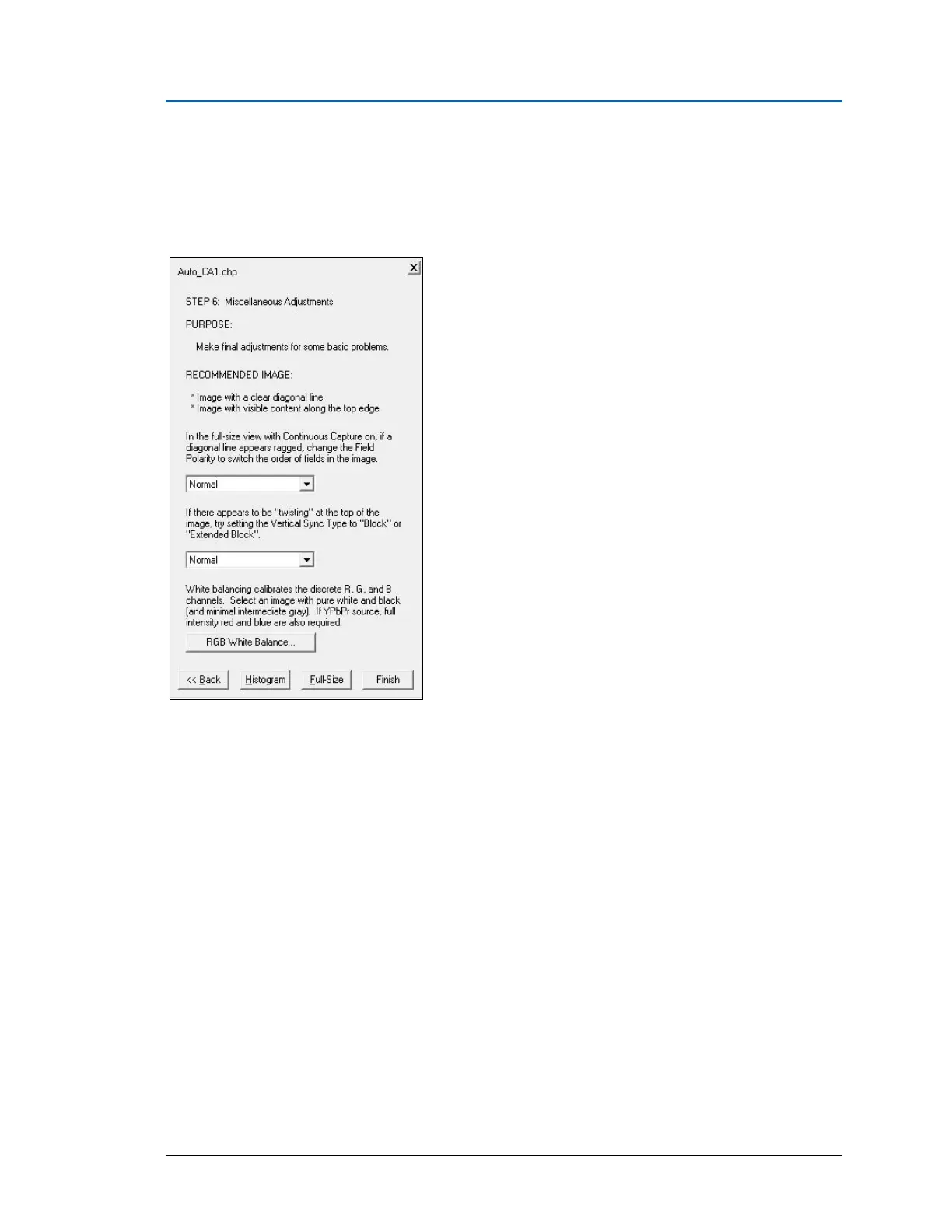
Figure 82: Auto-SYNC Wizard Step 6
A full-size view on an image that has content along the top edge and contains some diagonal
lines or text is recommended; the SMPTE or linearity patterns are ideal.
If diagonal lines appear unusually ragged or text in the image appears broken (“shaken”), change
the Field Polarity value. This adjusts the order in which the fields of the image are assembled
and reverses the ordering of adjacent scan lines in the video.
If there appears to be some twisting at the top edge of the image, the Vertical Sync Type may
need to be adjusted from “Normal” to “Block” or “Extended Block”.



 To Next Page