Using Auto-SYNC for Digital Input Connections
TIMS MVP™ Setup and Configuration Guide 191
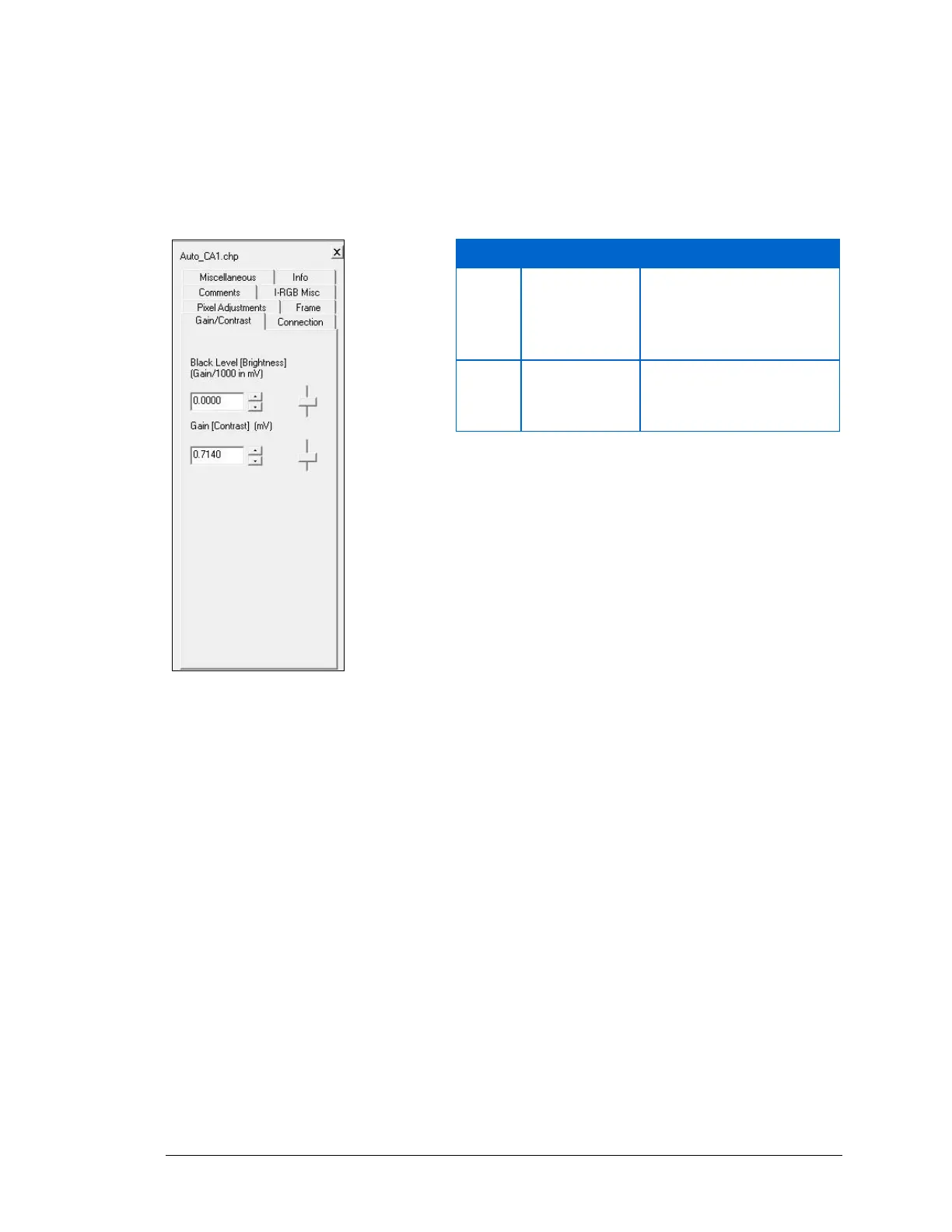
Changing Gain/Contrast Setting
Click on the Gain/Contrast tab to view the options.
The following table shows the effect of making changes to each of these options.
Figure 92: Gain/Contrast video setting
As Black Level increases,
the image becomes
lighter, but mid-range
contrast is not affected.



 To Next Page