Using Auto-SYNC for Digital Input Connections
184 TIMS MVP™ Setup and Configuration Guide
After the Auto-SYNC Wizard is Finished
Once the user finishes running the IDEA Auto-SYNC Wizard, the Video Setting
controls are displayed.
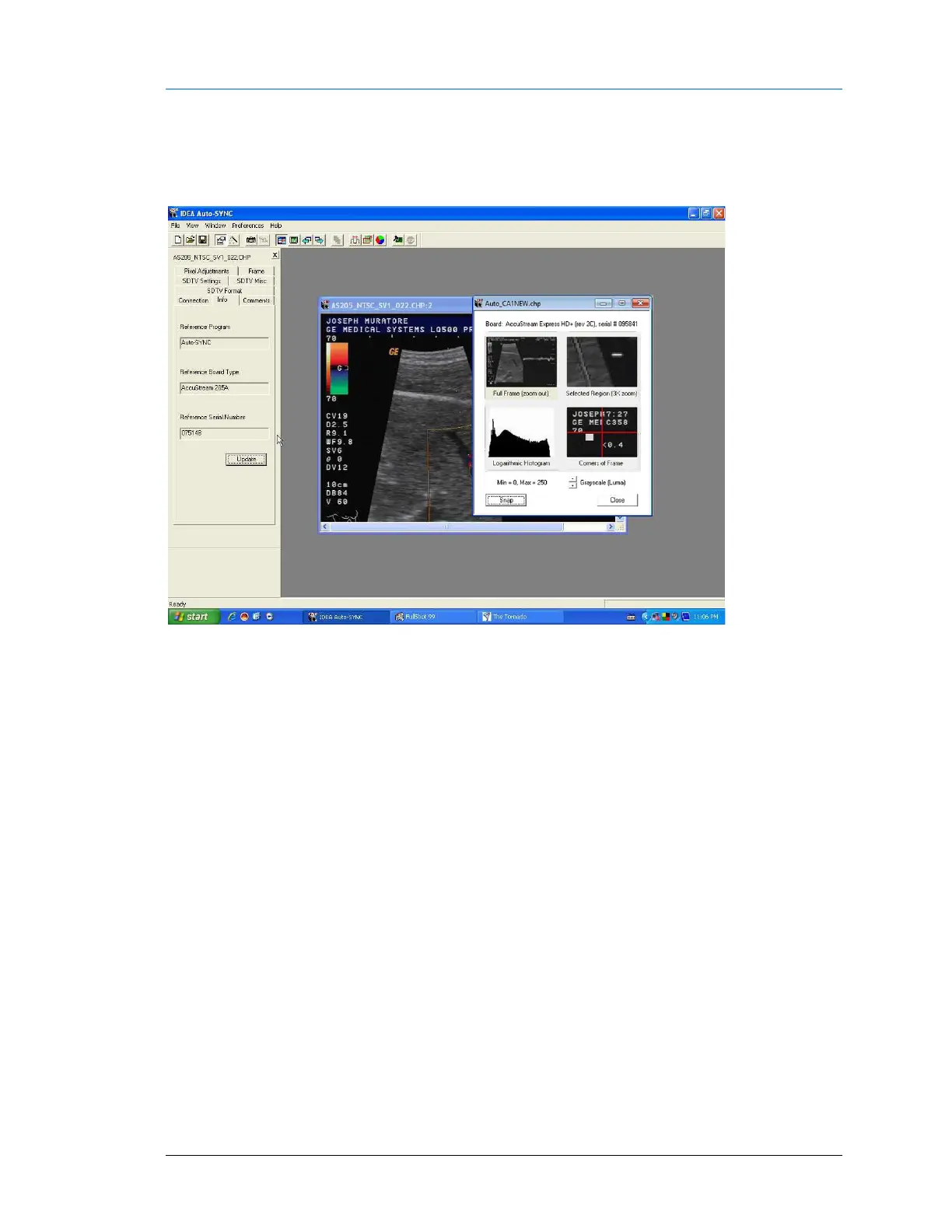
Figure 85: IDEA Auto-SYNC screen after completing Auto-SYNC Wizard.
The window on the right side is the same “Multi-view window” used by the Auto-SYNC Wizard.
To open a new full-size window:
▪ click the “Full-size image window” icon from the toolbar or
▪ click View > Full-size image window (<F10>).
The Full-size image window will be RGB or Monochrome for DVI-Analog connections or NTSC/PAL Video
composite for S-Video Composite connections.



 To Next Page