Getting Started
40 TIMS MVP™ Setup and Configuration Guide
Configuring Worklist Settings
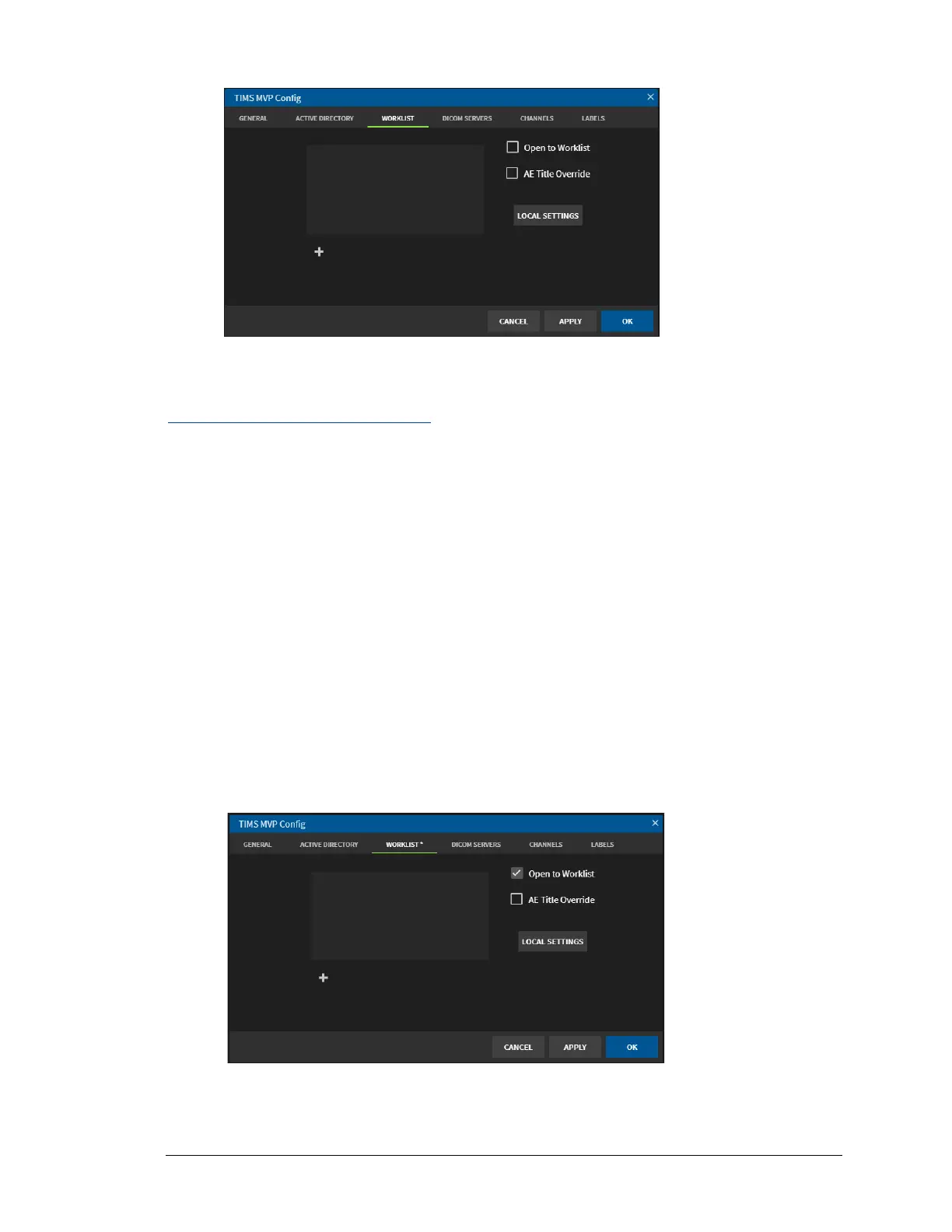
There are three options you configure on the Worklist home page:
• Set the default when you open TIMS MVP™ to display the Worklists
• Override the Application Entity (AE) title
• Configure the Worklist local settings
Open to Worklist
You can set up your TIMS MVP™ to automatically open the worklist when you first open the
TIMS MVP™ application. To do this:
• Click the Open to Worklist checkbox on the Worklist page. If you decide you no longer
want to open the Worklist when you start TIMS MVP™, simply click to uncheck the
checkbox.



 To Next Page