Getting Started
60 TIMS MVP™ Setup and Configuration Guide
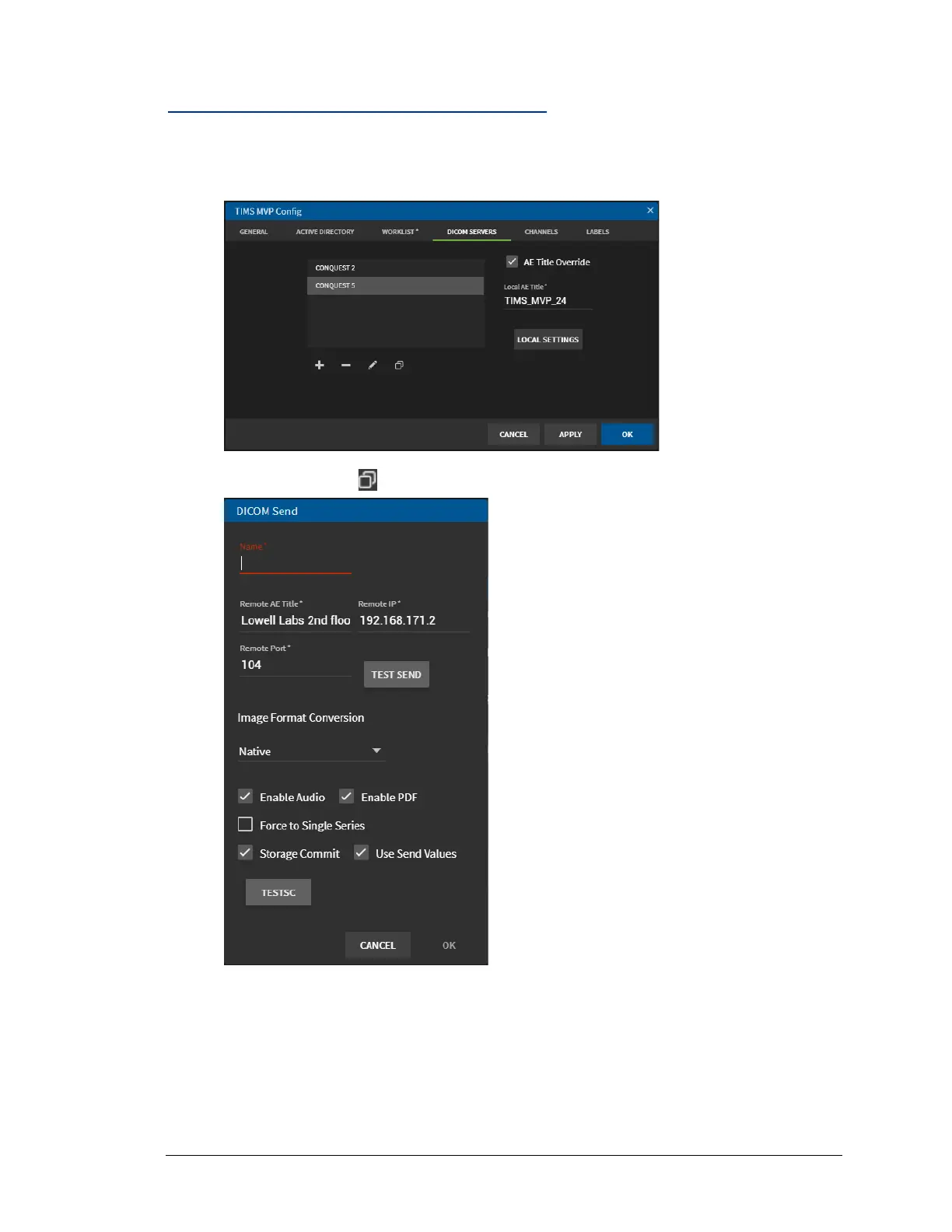
Duplicate the Settings for a DICOM Server
To duplicate the settings from an existing DICOM server on the menu:
1. Select the DICOM server you want to duplicate from the list of channels.
2. Click the Duplicate icon. The DICOM Send page opens.
3. Enter a new unique name in the Name field at the top of the page.
4. Make any required edits needed for the new DICOM server.
Note: Go to step 2 in Add a DICOM Server on page 53 for a description of the DICOM
Send fields
5. Click OK when done. The new DICOM server appears in the DICOM Servers list.



 To Next Page