IDEA Auto-SYNC with RGB/VGA/DVI Analog Video
150 TIMS MVP™ Setup and Configuration Guide
Definitions
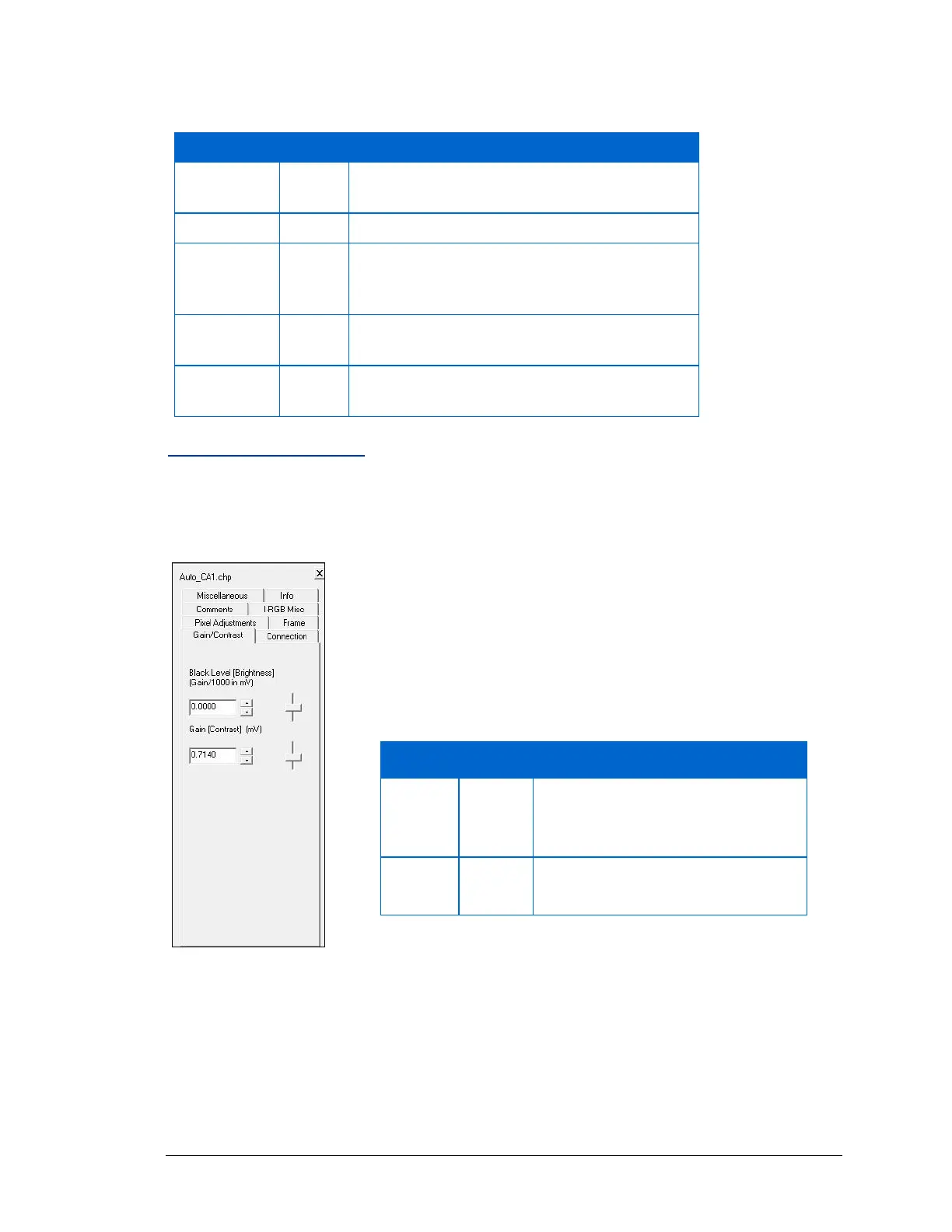
Gain/Contrast Setting
Sets the peak White and Black pixel value.
▪ Click on the Gain/Contrast tab to view the options.
Figure 58: Gain/Contrast video setting
When an AccuStream RGB is used by a CHP file, Auto-SYNC displays an I-RGB Misc tab that
allows you to edit the following video settings:
Number of pixels in a line in the image.
Adjusts the WIDTH (RIGHT) side of the image.
Number of lines in the image.
The time period from the beginning of the
horizontal sync pulse to the beginning of
active video.
Sets the starting position of the 1
st
. (TOP)
scan line of the image.
Total number of vertical lines in the video
signal.
• Adjust Black Level for “Blackness”, 0-5.
• Adjust Gain level to “Whiteness”, 254-255. This prevents
clipping peak white or black.
The following table shows the effect of making changes to each
of these options.
As Black Level increases, the image
becomes lighter, but mid-range
contrast is not affected.
As Gain increases, picture becomes
darker and has less contrast.



 To Next Page