Getting Started
TIMS MVP™ Setup and Configuration Guide 53
Provide a local Application Entity (AE) title. The default
is TIMS_MVP.
Type in the port number for Service Class Provider of
the remote system. The default port is 104.
Type in the listener Application Entity (AE) title for the
PACS.
Type in the port number for the PACS.
Enter additional IP addresses or host names that
DICOM Receive will respond to. This is helpful when
you move a TIMS MVP™ system from one room to
another which is connected to a different network
segment.
3. Click OK to save the local settings.
Add a DICOM Server
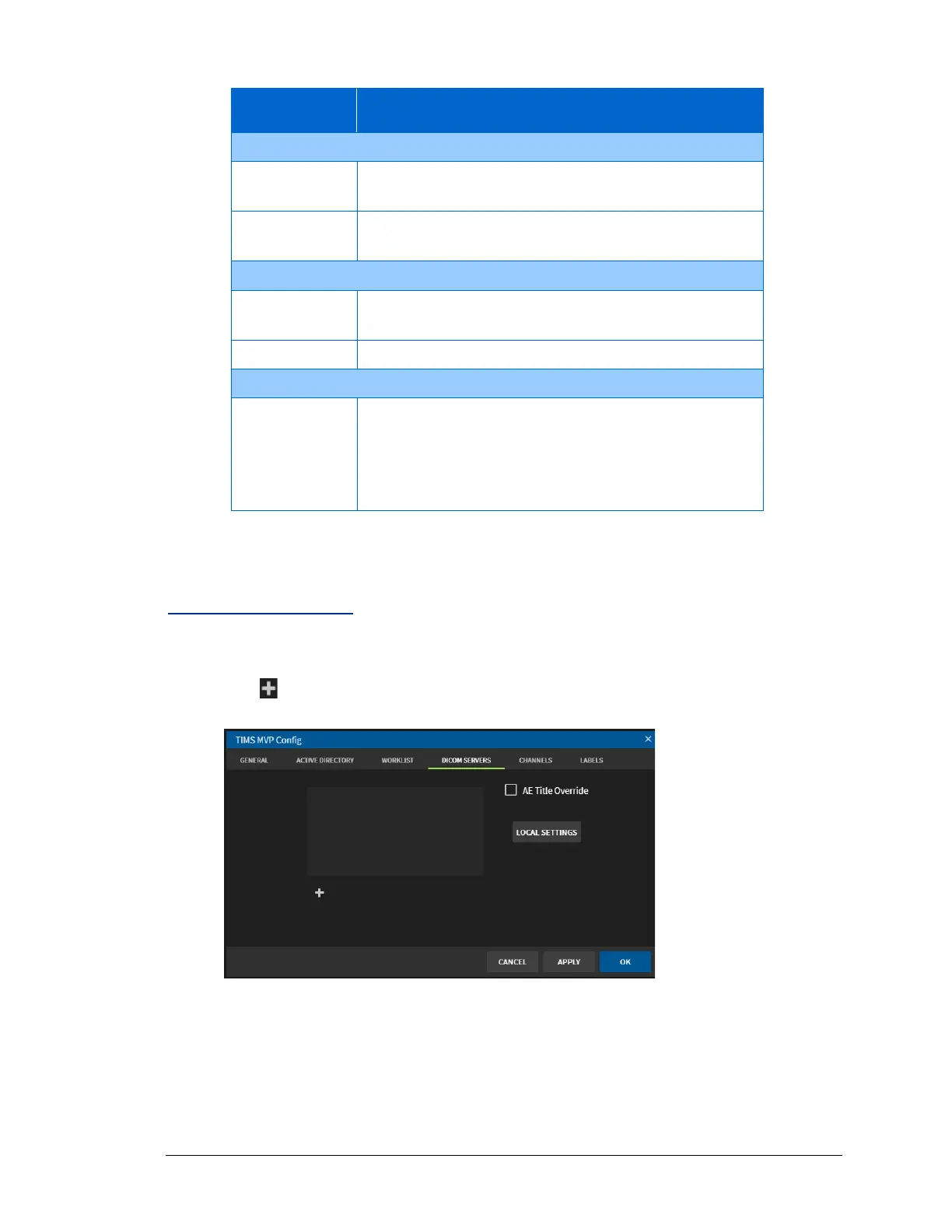
To add a DICOM Server to TIMS MVP™:
1. Click to add a DICOM server.



 To Next Page