Starting IDEA Auto-SYNC
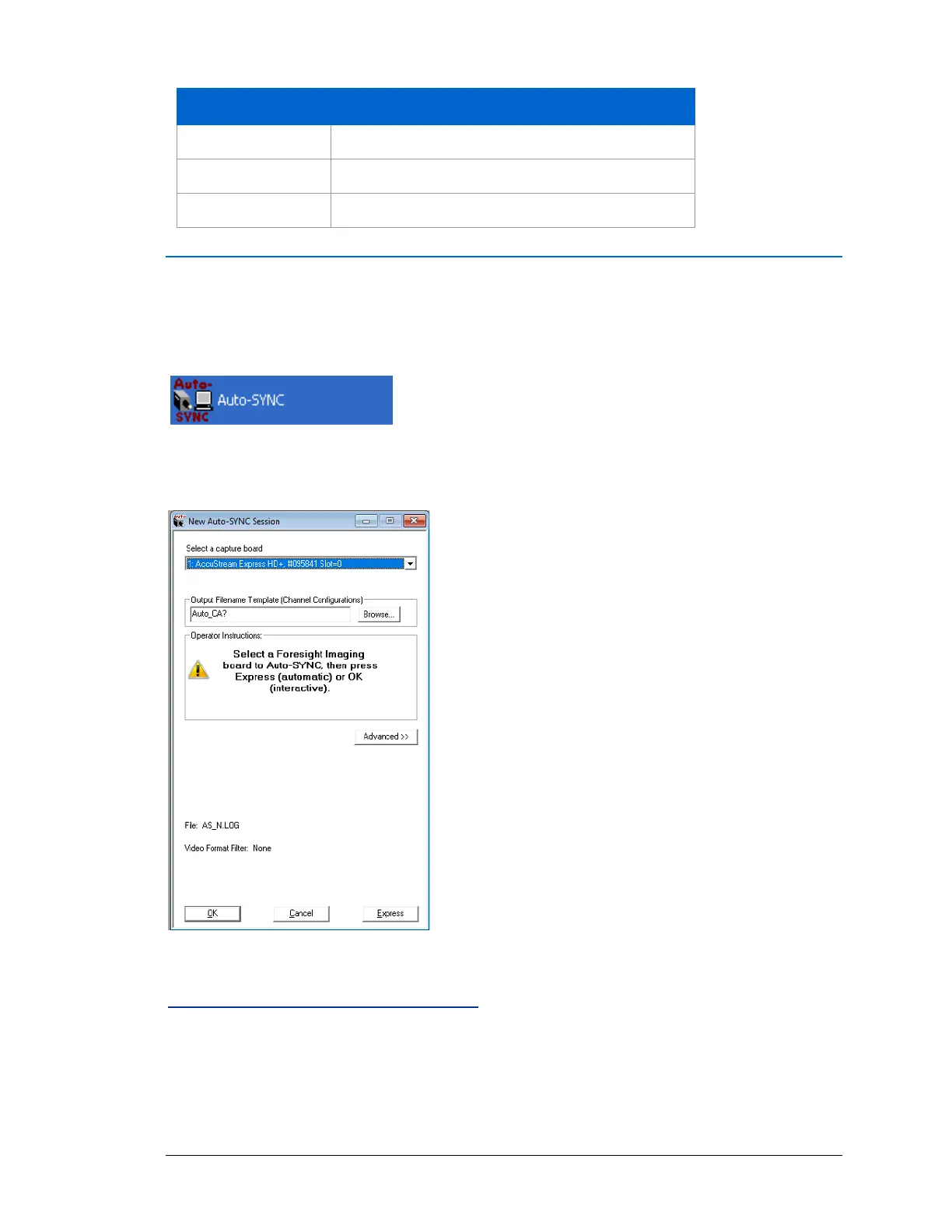
To start IDEA Auto-SYNC, select Start > Foresight Imaging > Auto-SYNC icon from the Start
menu.
The application opens and is ready to begin the IDEA Auto-SYNC process. The Getting Started
With Auto-SYNC dialog opens.
Figure 1: IDEA Auto-SYNC opening screen.
Recommended Calibration Images
When the Getting Started With Auto-SYNC dialog appears, click the Recommended Settings
button in order to learn about the Auto-SYNC operations to perform with specific calibration
images. You can choose from four operations:



 To Next Page