Using Auto-SYNC for Digital Input Connections
TIMS MVP™ Setup and Configuration Guide 187
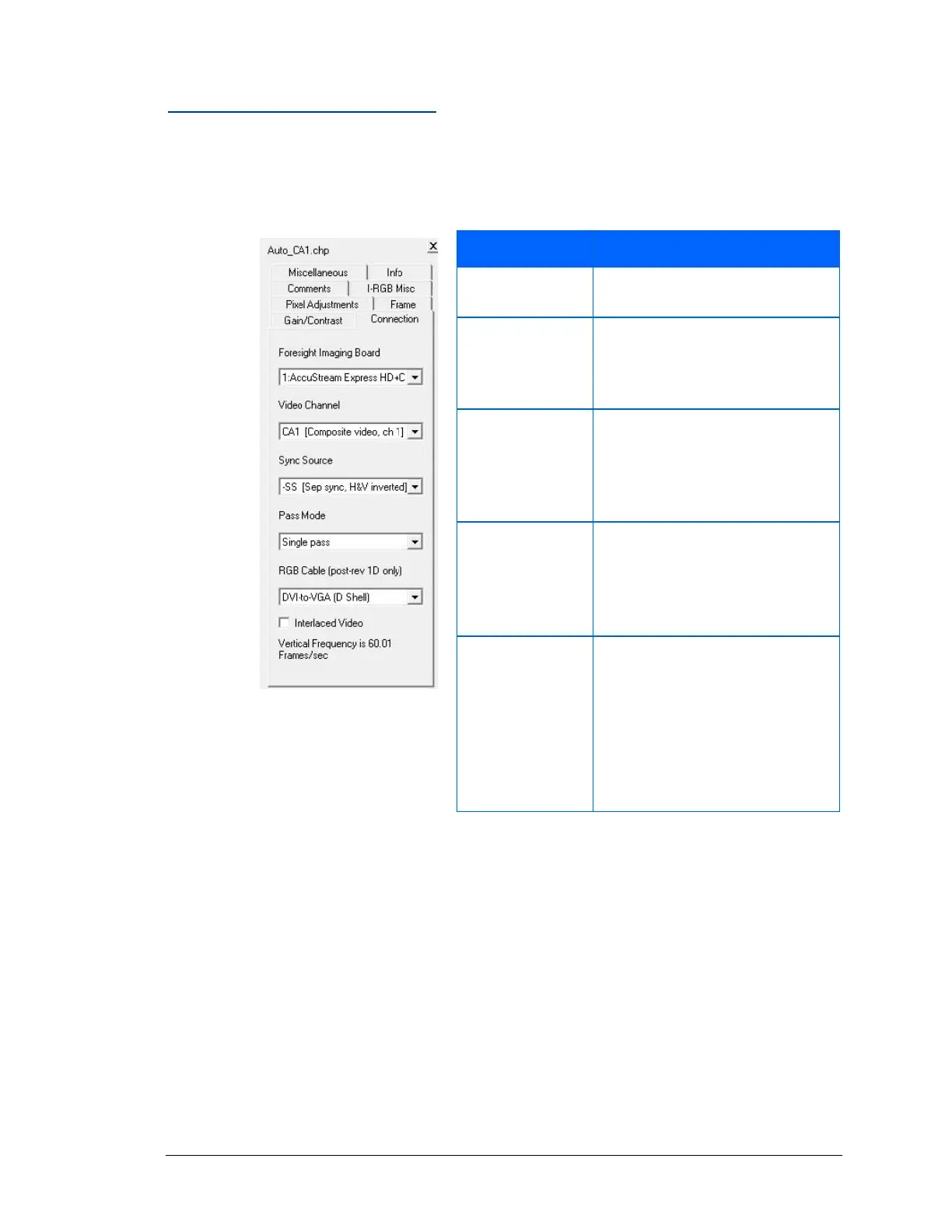
Changing Connection Settings
The options in the Connection tab concern the physical connection of the AccuStream board, as
well as its channel and sync source.
Figure 88: Connection video
settings
Selects the frame grabber to be
used.
RGB/YPbPr Analog & Digital
inputs are grouped as CA1.
Monochrome channels are
separate as CA1, CA2, CA3.
CA4 (Composite, Video Sync
Format, SS, (Separate H&V), SS-
H, (Inverted Hsync) SS-V,
(Inverted V Sync), –SS (H&V Sync
Inserted)
Single Pass. Captures the
images in a single pass.
Double Pass no longer
supported.
Selects the cable types used to
connect to the frame grabber.
DVI to BNC
DVI to VGA 15 pin DSub.
DVI to DVI (Either analog or
digital)
DVI to VGA 5BNC (Standard DVI
to 5BNC Analog cable)



 To Next Page