Using Auto-SYNC for Digital Input Connections
182 TIMS MVP™ Setup and Configuration Guide
The user can run the White Balance procedure to adjust the red, green, and blue channel gain
and offset compensation values for the particular source to assure that pure white and pure
black are properly calibrated. White balancing should be performed when the video source
changes.
• Click the Finish button to complete the Auto-SYNC Wizard process. You can restart
the Auto-SYNC Wizard at anytime by selecting a CHP file and clicking the Auto-SYNC
Wizard toolbar icon or by selecting the View > Auto-SYNC Wizard menu item.
Example
In this example, the first image shows a video image in motion. Notice there is no broken or
distorted lines.
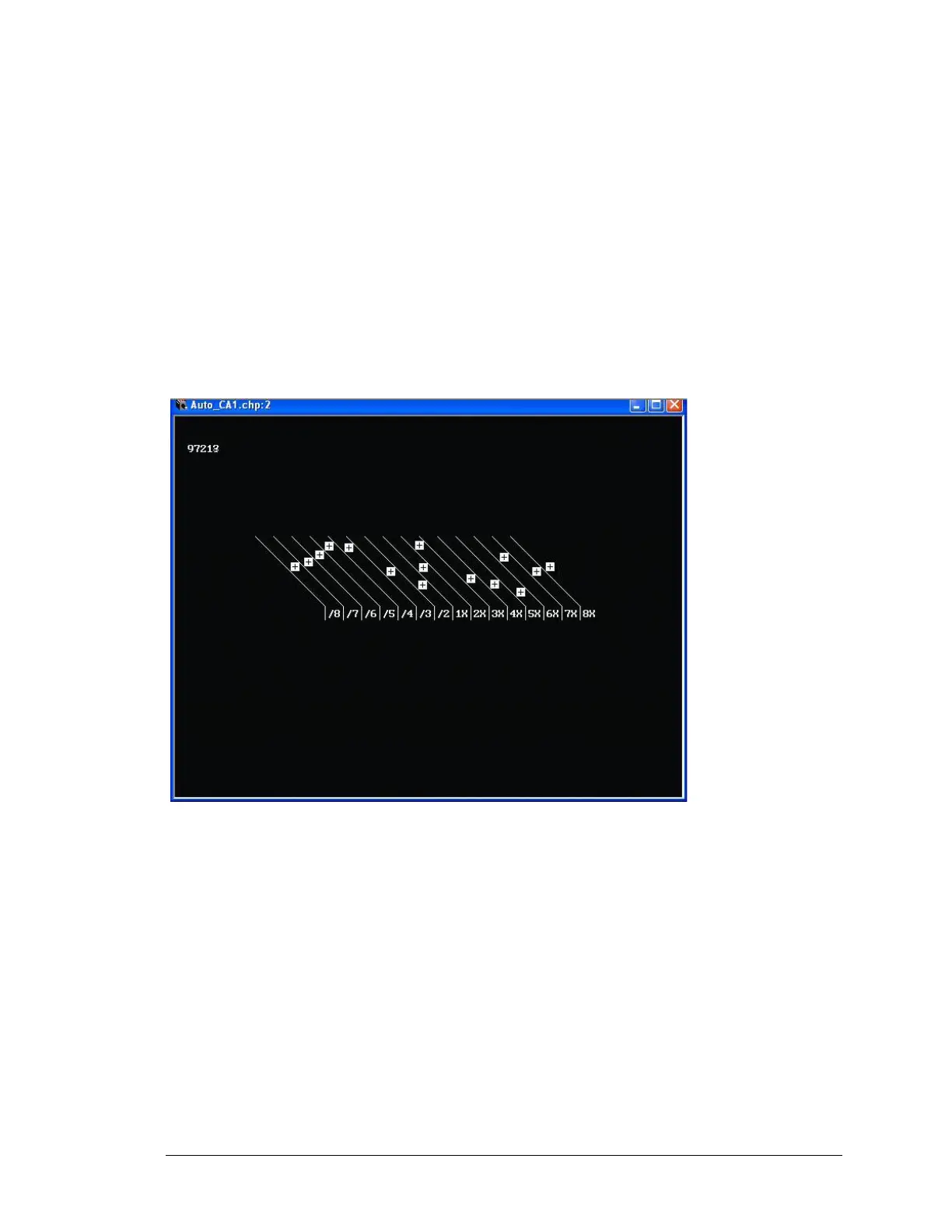
Figure 83: Example of video image with the proper Field Polarity setting



 To Next Page