Getting Started
TIMS MVP™ Setup and Configuration Guide 27
Getting Started
Configuring Channels
The chapter discusses configurable settings and features of the TIMS MVP™ software for image
acquisition and medical video system settings:
• Selecting Image Acquisition Settings
• Selecting DICOM Class Settings
• Selecting Medical Video System File Compression Settings
Configuring Channels means you can set all the properties that determine image acquisition and
medical video system data fields. You do this in the TIMS MVP™ Channel Configuration window.
A channel comprises of image acquisition properties for a medical modality and the data
acquisition properties that define the associated DICOM class.
Configuring Channel Settings
From the TIMS MVP™ Channel Editor, you can add, delete, edit or duplicate a channel.
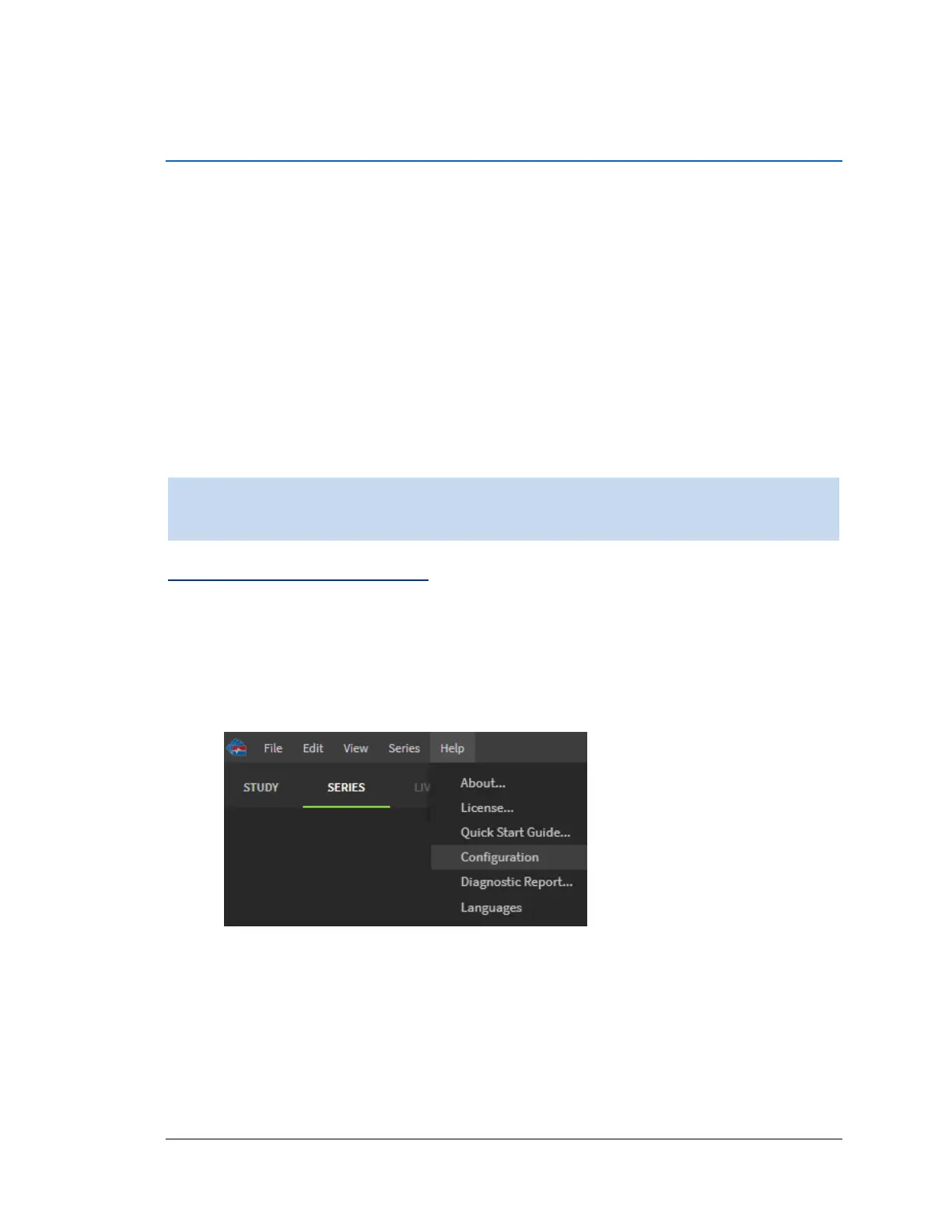
To access the Channel Editor page:
1. Click the Help menu and select Configuration.



 To Next Page