Get Connected
TIMS MVP™ Setup and Configuration Guide 21
Verify the Speaker Setup
1. Open Start menu > Control Panel and select Sound.
2. When the Sound Properties dialog appears, click on the Playback tab.
3. Under Playback, click Configure.
4. Verify the speaker setup.
▪ If the setup is correct, click Cancel to exit the Speaker Setup wizard and
then click OK.
▪ If the setup is incorrect, change the selections, click Finish and then click
OK to exit the properties dialog.
Test Your Microphone and Speakers for Use with TIMS MVP™
To test your microphone and speakers for use with TIMS MVP™:
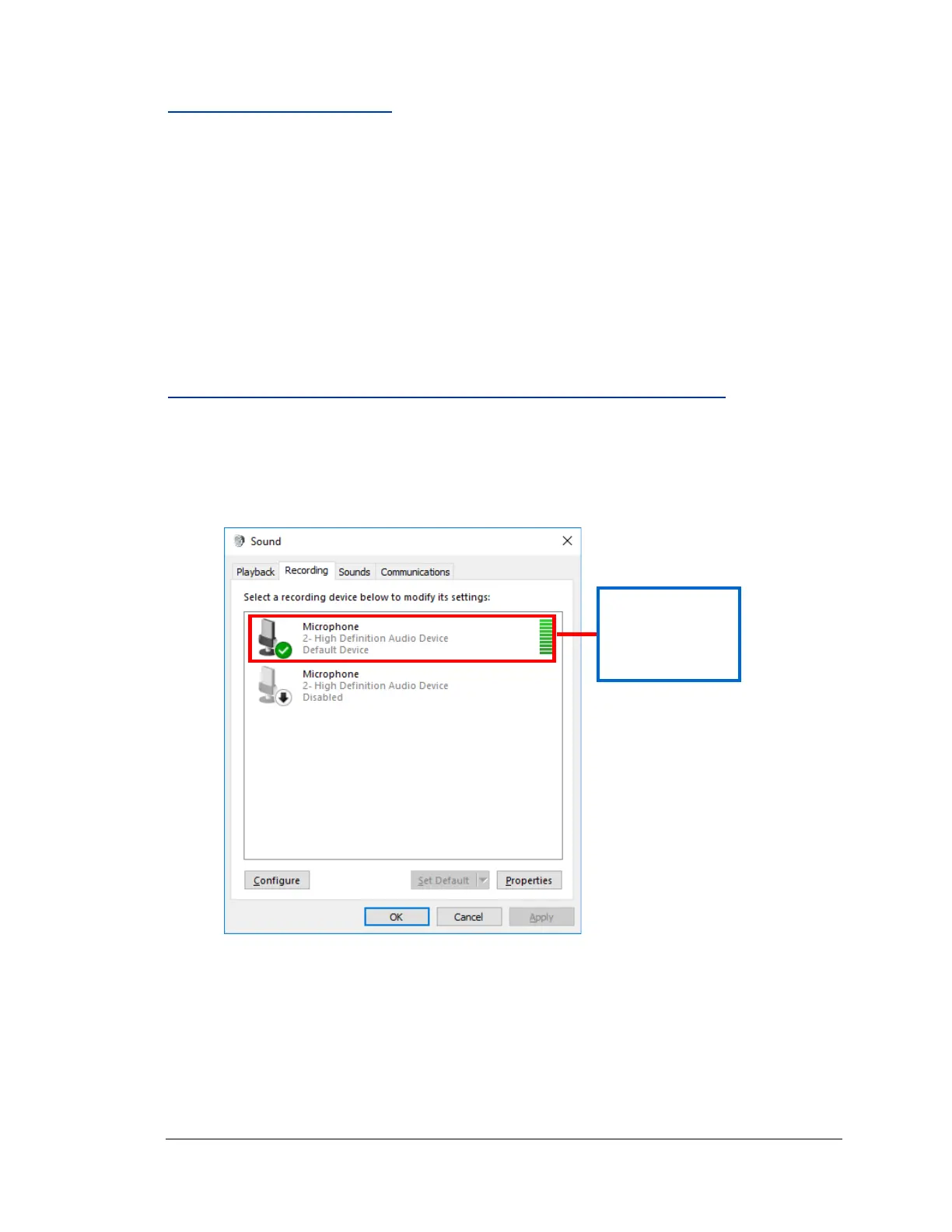
1. Open Start menu > Control Panel and select Sound.
2. When the Sound Properties dialog appears, click on the Recording tab.



 To Next Page