Get Connected
20 TIMS MVP™ Setup and Configuration Guide
4. After you verify the microphone, right-click the sound icon in the lower right-hand
corner of the Windows toolbar.
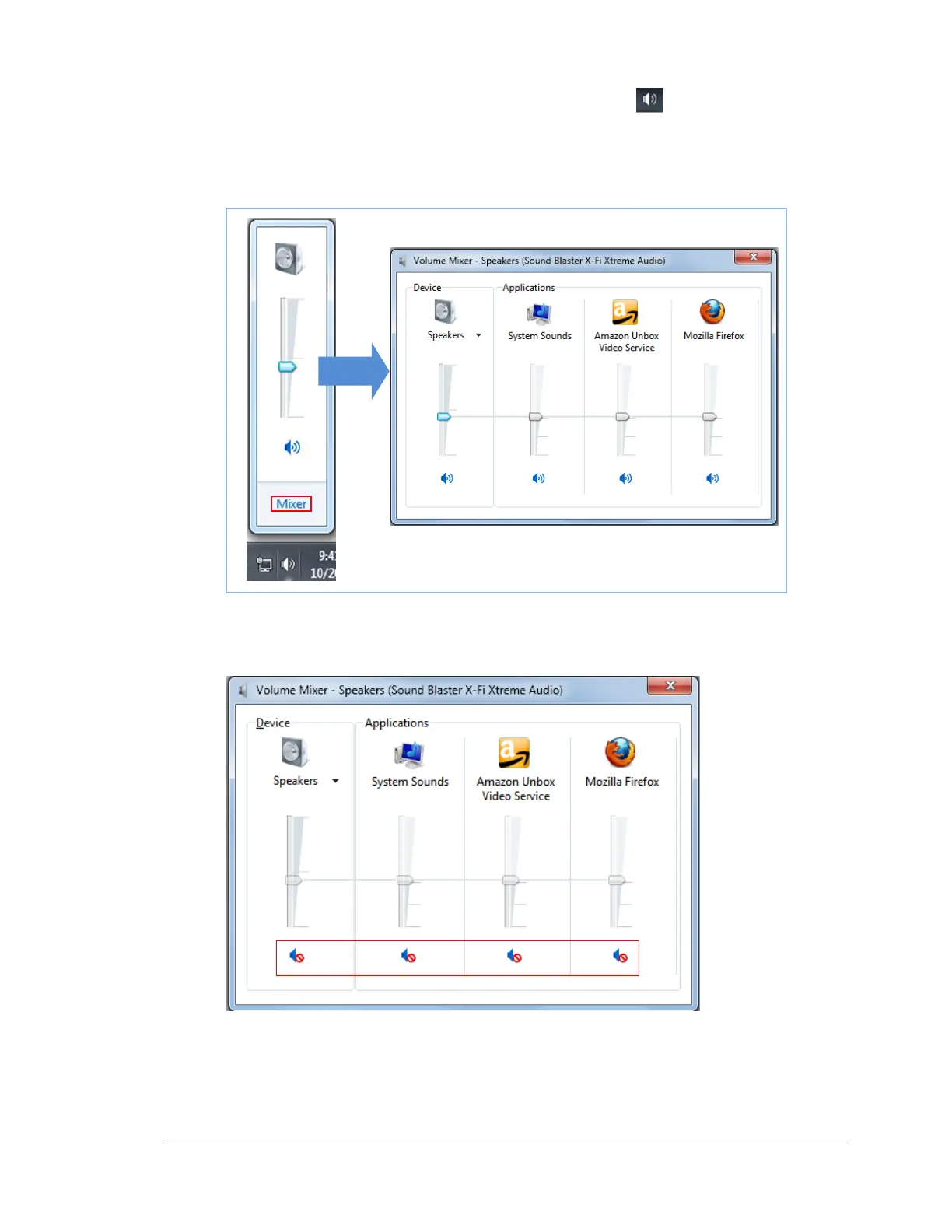
5. Click Open Volume mixer and the Volume Mixer dialog appears.
6. Verify that all of the Volume Control selections are not set to Mute. If the volume is set
to mute, the volume icon has a stop icon over it. Click on the icon to unmute.
7. After you verify the sound playback, click the X to close the Volume Mixer dialog.



 To Next Page