Advanced Settings
TIMS MVP™ Setup and Configuration Guide 71
Configuring Active Directory
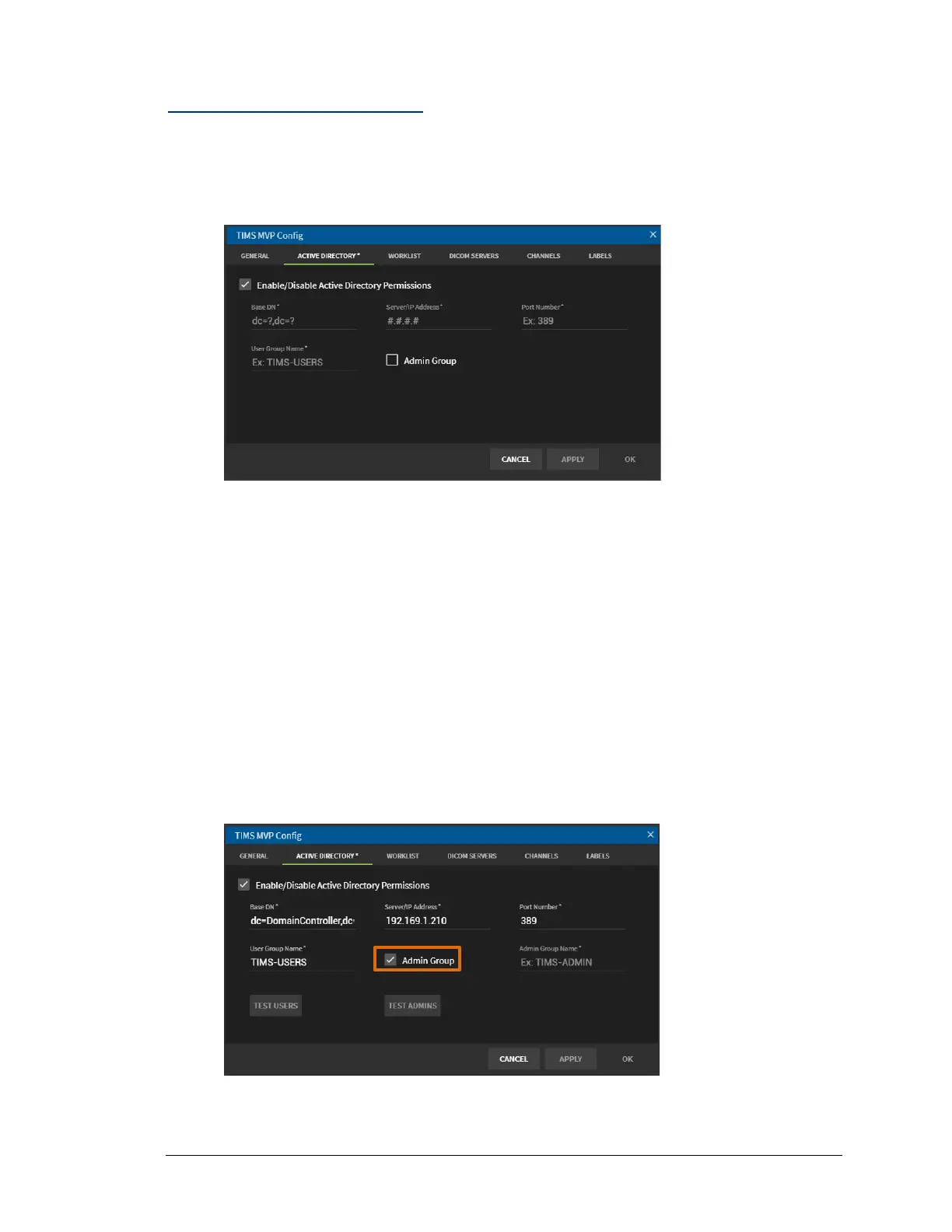
To configure Active Directory:
1. To enable Active Directory Permissions, click the checkbox. The Active Directory options
appear.
2. On the Active Directory page:
• Enter the Base DN (Domain Name). Enter the DC (Domain Controller & Extension) in
the following format: dc=DomainController,dc=Extension
(comma separator and no space)
• Enter the Server/IP Address
• Enter the (LDAP) Port Number for access.
Note: Ensure the port is open on the local firewall and server.
3. Enter the User Group Name, for example: TIMS-USERS.
4. Click the checkbox if you want to create an Admin Group.
5. Enter the Admin Group Name, for example: TIMS-ADMIN.



 To Next Page