IDEA Auto-SYNC with RGB/VGA/DVI Analog Video
TIMS MVP™ Setup and Configuration Guide 103
Auto-SYNC Wizard
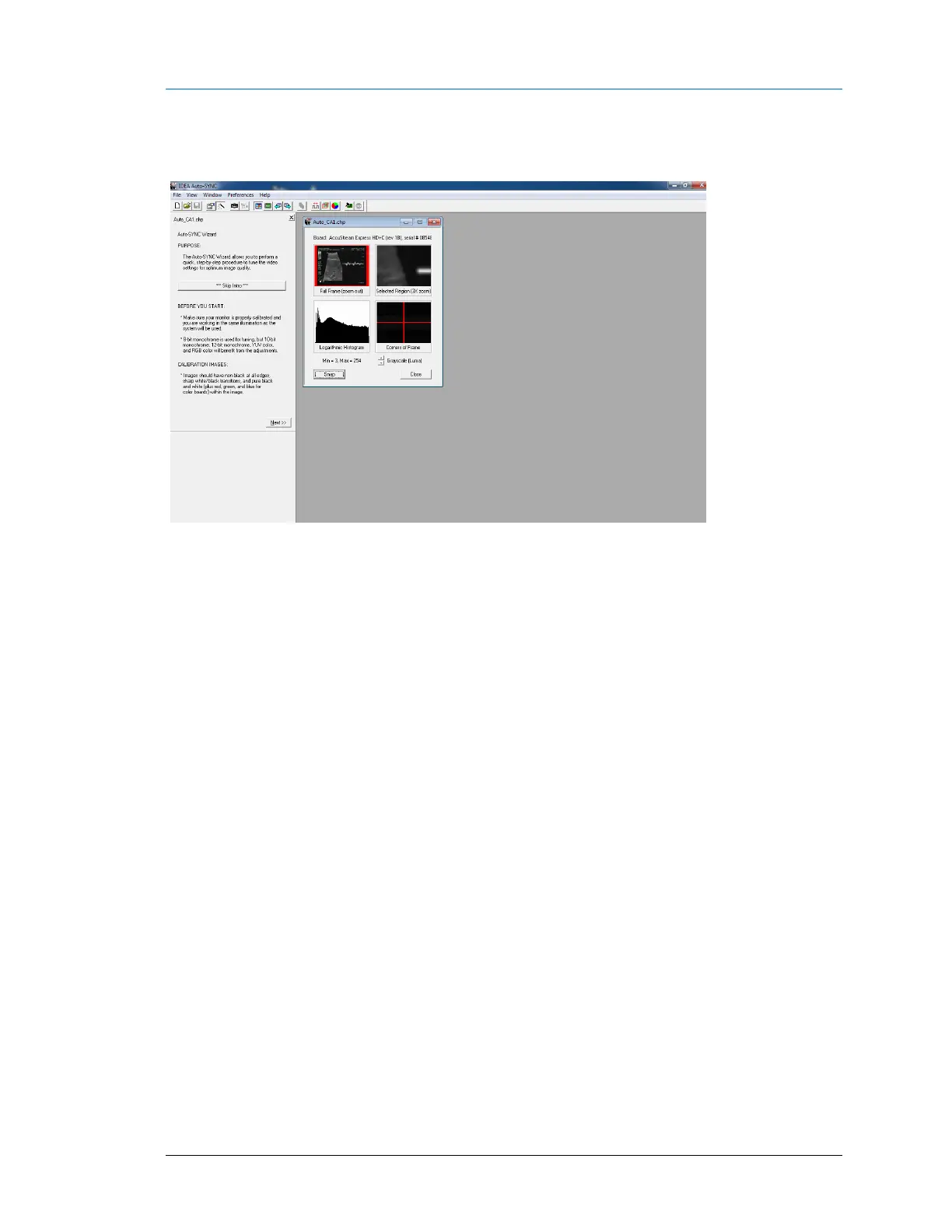
The main Auto-SYNC screen appears after entering the chp file comments.
Figure 13: Start screen for the Auto-SYNC wizard
When the Auto-SYNC wizard start page appears,
1. Ensure that your PC monitor is properly calibrated and you are working in the same
illumination as the system you will use.
2. Use the Wizard calibration dialogs to help you determine what changes you need to
make, if any.
Use the Full Screen Capture icon and the Snap (F5) button to
refresh the Auto-SYNC windows.



 To Next Page