IDEA Auto-SYNC with RGB/VGA/DVI Analog Video
102 TIMS MVP™ Setup and Configuration Guide
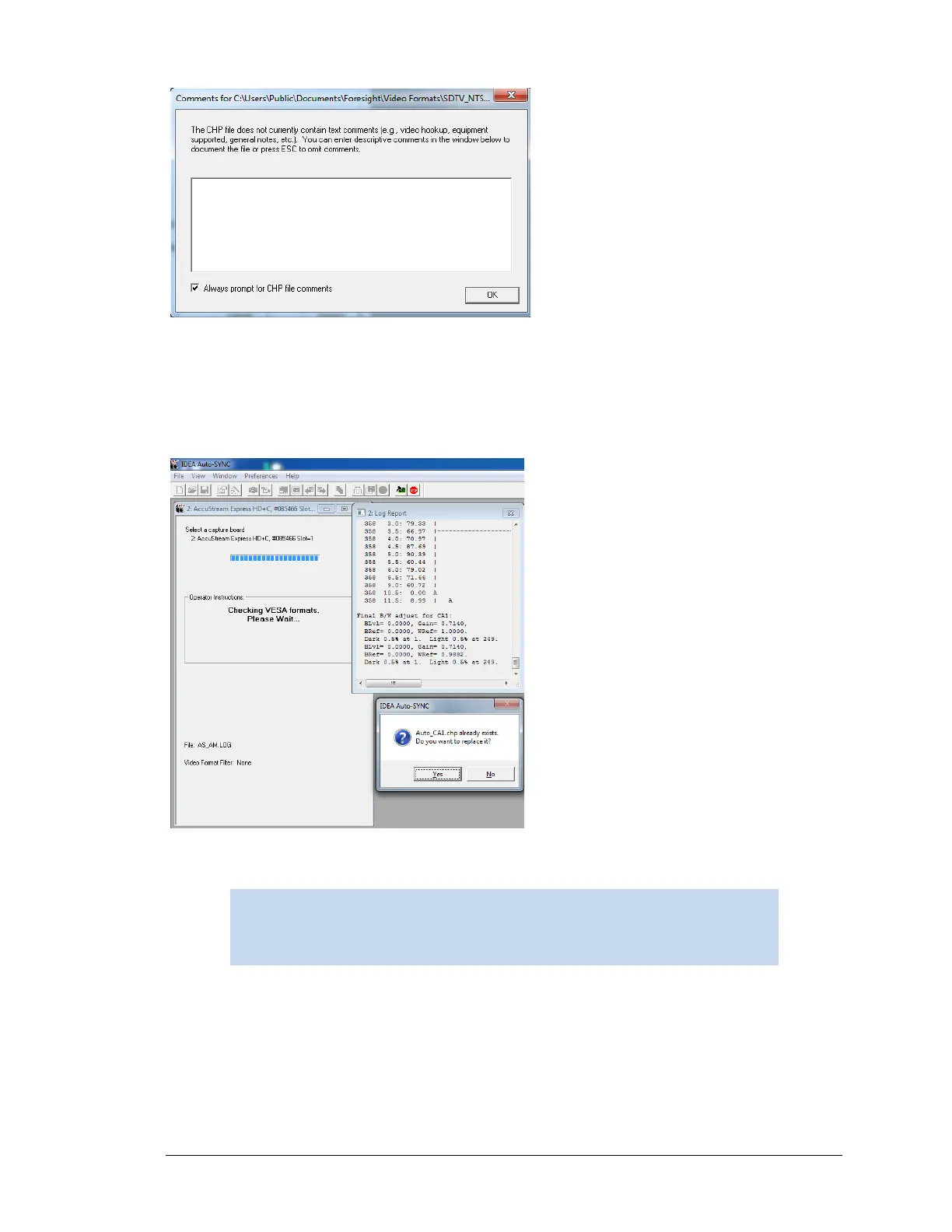
Figure 11: Comments on the CHP file
Auto-SYNC finishes calibration and creates the CHP file Auto_CA1.chp.
If the CHP file already exists you will be prompted to overwrite the file.
When you click YES, Auto-SYNC will increment the default Auto-CA1.chp filename.
Figure 12: Saving the CHP file



 To Next Page