IDEA Auto-SYNC with RGB/VGA/DVI Analog Video
TIMS MVP™ Setup and Configuration Guide 101
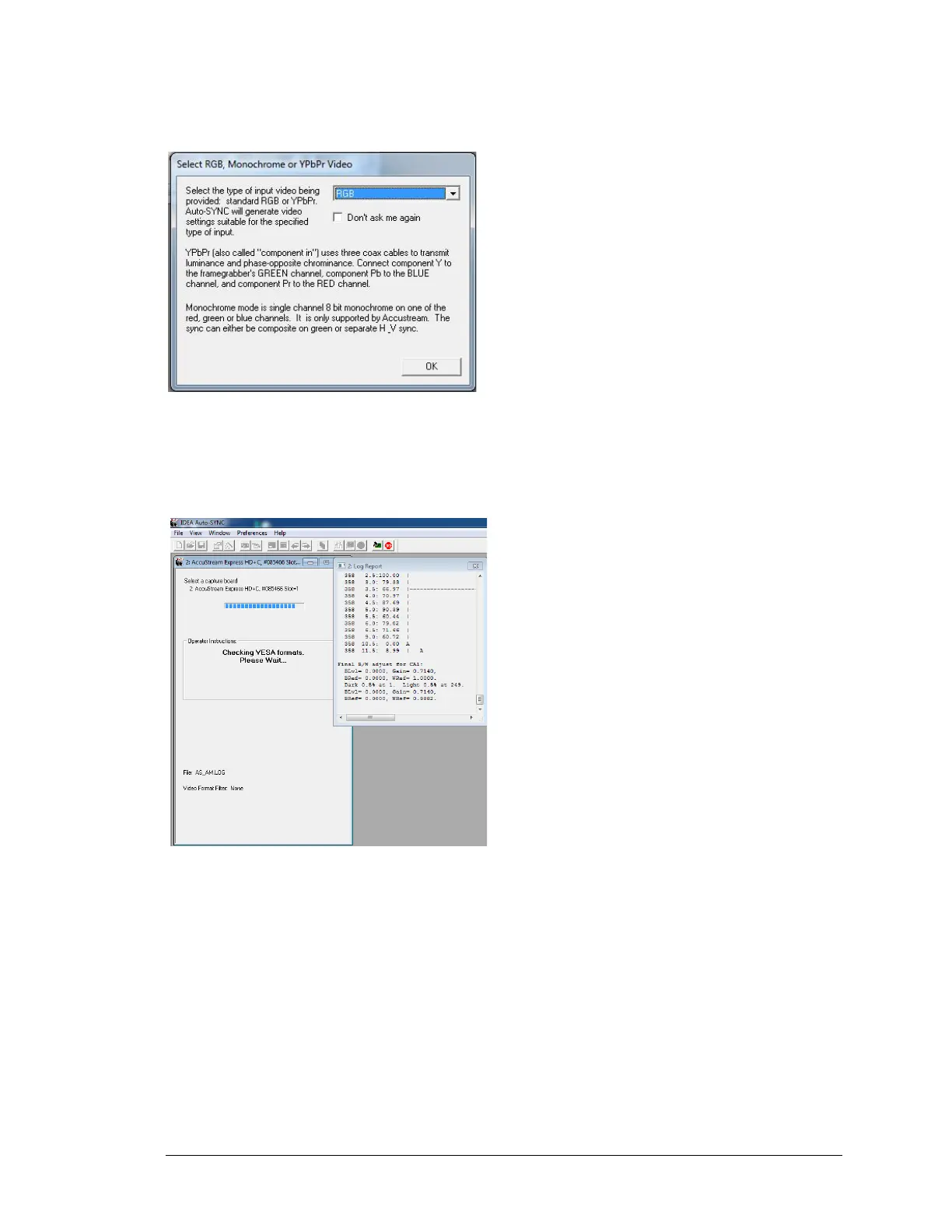
Next select the color space of the video source from the dropdown menu, standard RGB or
YPbPr video or Monochrome.
Figure 9: Select RGB, Monochrome or YPbPr video
Auto-SYNC detects and determines the video source timing and measures the
video source White and Black levels and phasing.
Figure 10 Auto-Sync measuring the video source timings.
At the completion of the Auto-SYNC calibration process Auto-SYNC may prompt for text
comments for the CHP file. (Useful for including notes about the video source)



 To Next Page