IDEA Auto-SYNC with RGB/VGA/DVI Analog Video
160 TIMS MVP™ Setup and Configuration Guide
3. Go back to the previous procedure, follow steps 5 through 9 to make adjustments to the
circle so it overlays correctly on the scanned image over the round object.
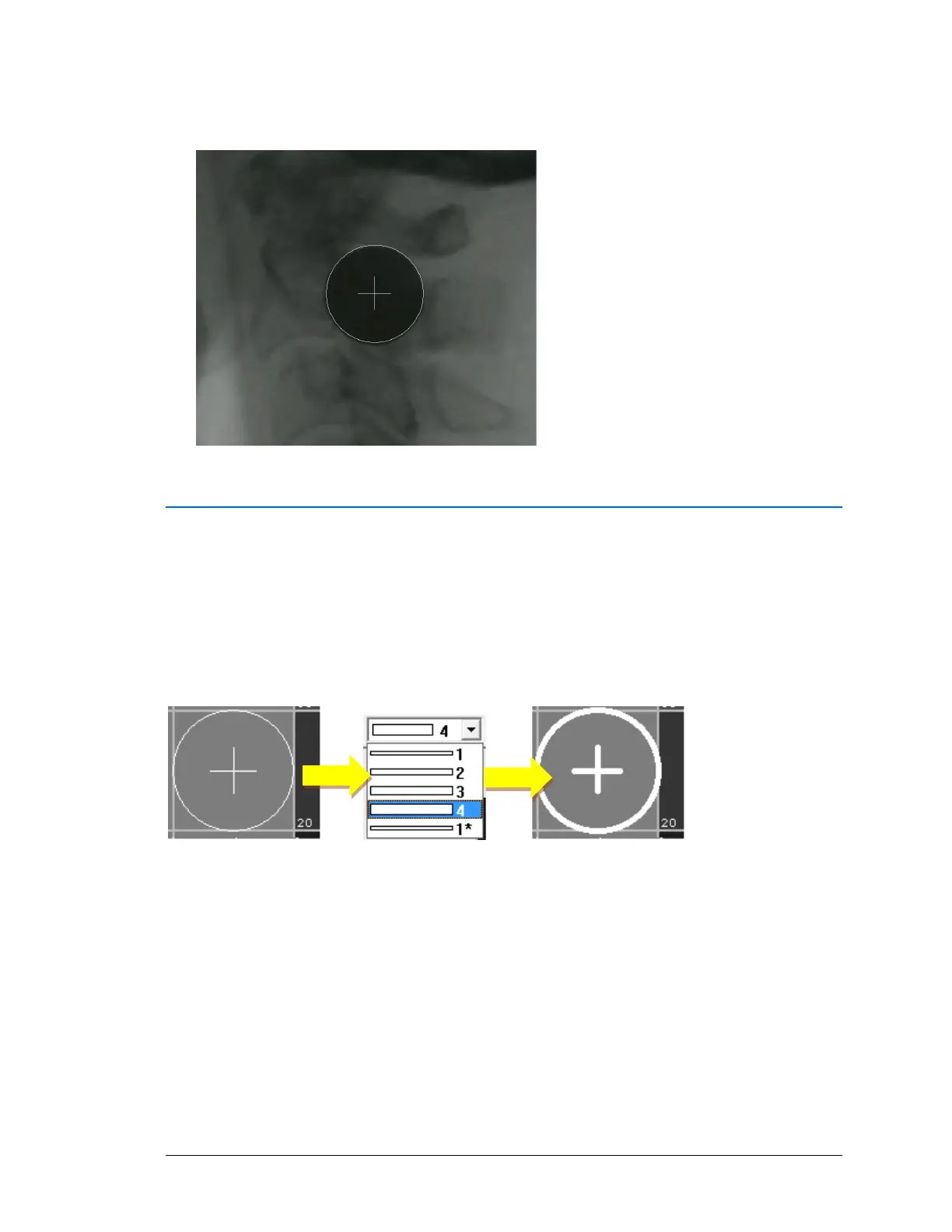
Change the Circle Width or Color
If you want to change the circle line width from the default of 1 pixel, use the drop-down menu
to select:
• a new width (2, 3, o4-pixels) or return to the default (1-pixel
• the 1* width which maintains a line width of 1-pixel even when you zoom in on the
image



 To Next Page