Configuring Security
76 TIMS MVP™ Setup and Configuration Guide
Configuring the Study Lists
The study lists are lists which provide patient information details in a list from which you can
choose a patient.
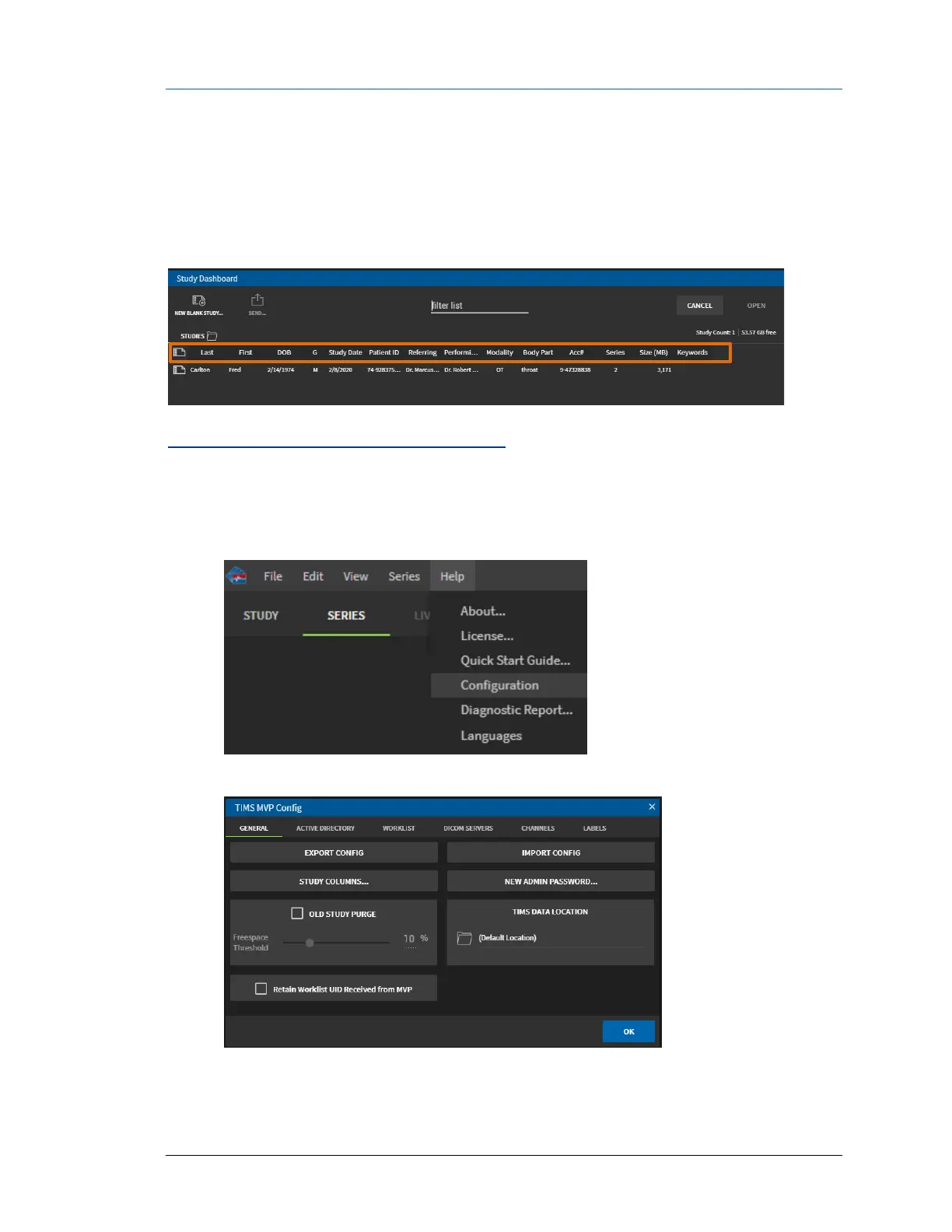
When you access the TIMS MVP™ study worklist, it has a list of study information columns
where you can either use TIMS MVP™ defaults or select your own fields.
Select Fields for the Study Dashboard
Use the Study Columns button on the TIMS MVP Config General page to select columns that are
used on the Study Dashboard.
1. Click the Help menu and select Configuration.
2. From the TIMS MVP Config page, if not selected, click the General tab.



 To Next Page