Configuring Security
TIMS MVP™ Setup and Configuration Guide 75
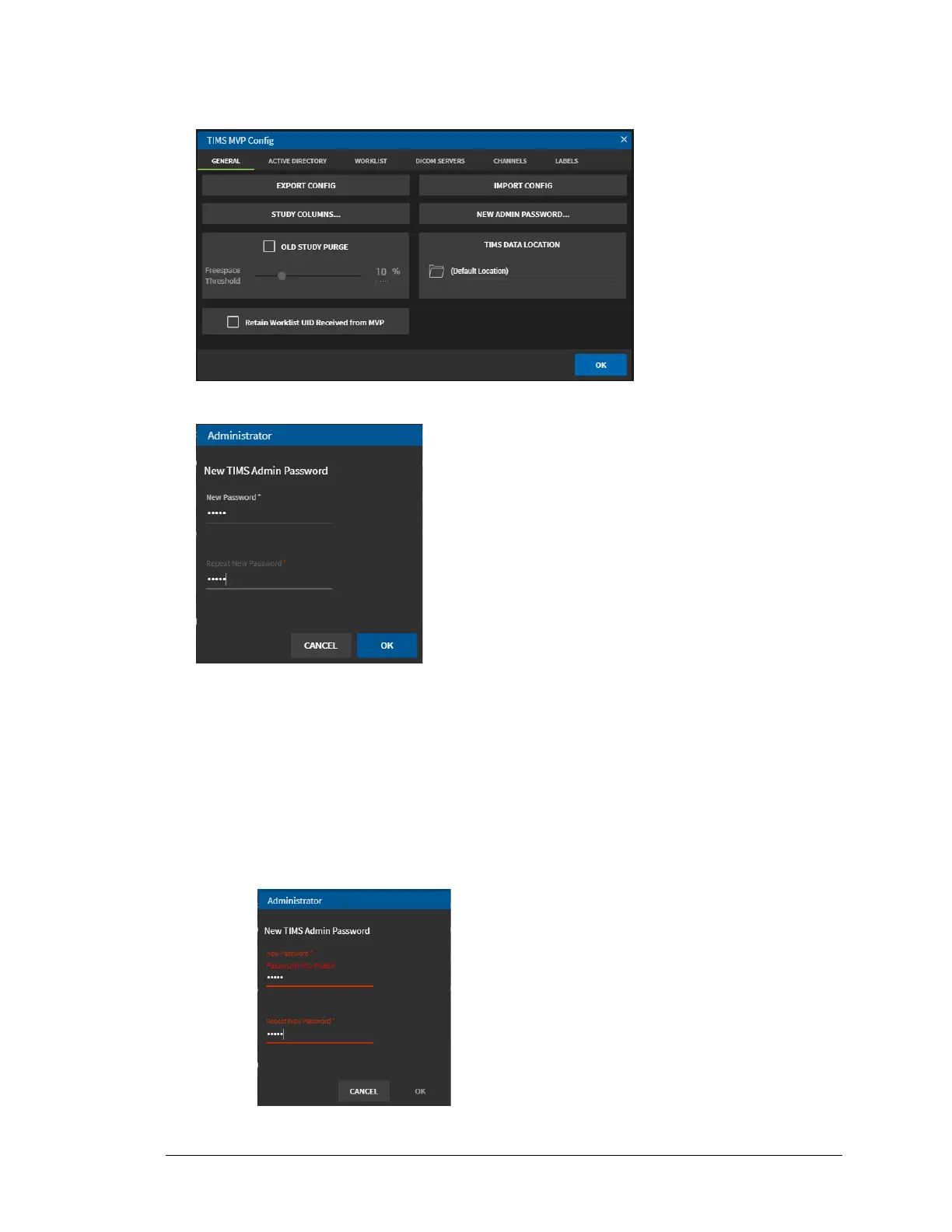
3. Select the General tab on the TIMS MVP Config page.
4. Click NEW ADMIN PASSWORD…. The Administrator dialog appears.
5. Type in the New Password and then type it in again in Repeat New Password. Click OK.
Result: You have changed the admin password.
NOTE: If you do not type the same password in the Repeat New Password field,
you receive a message that there is a password mis-match. Retype the
password and click OK.



 To Next Page