Getting Started
TIMS MVP™ Setup and Configuration Guide 35
Result: The channel is added to the list of channels.
Delete a Channel
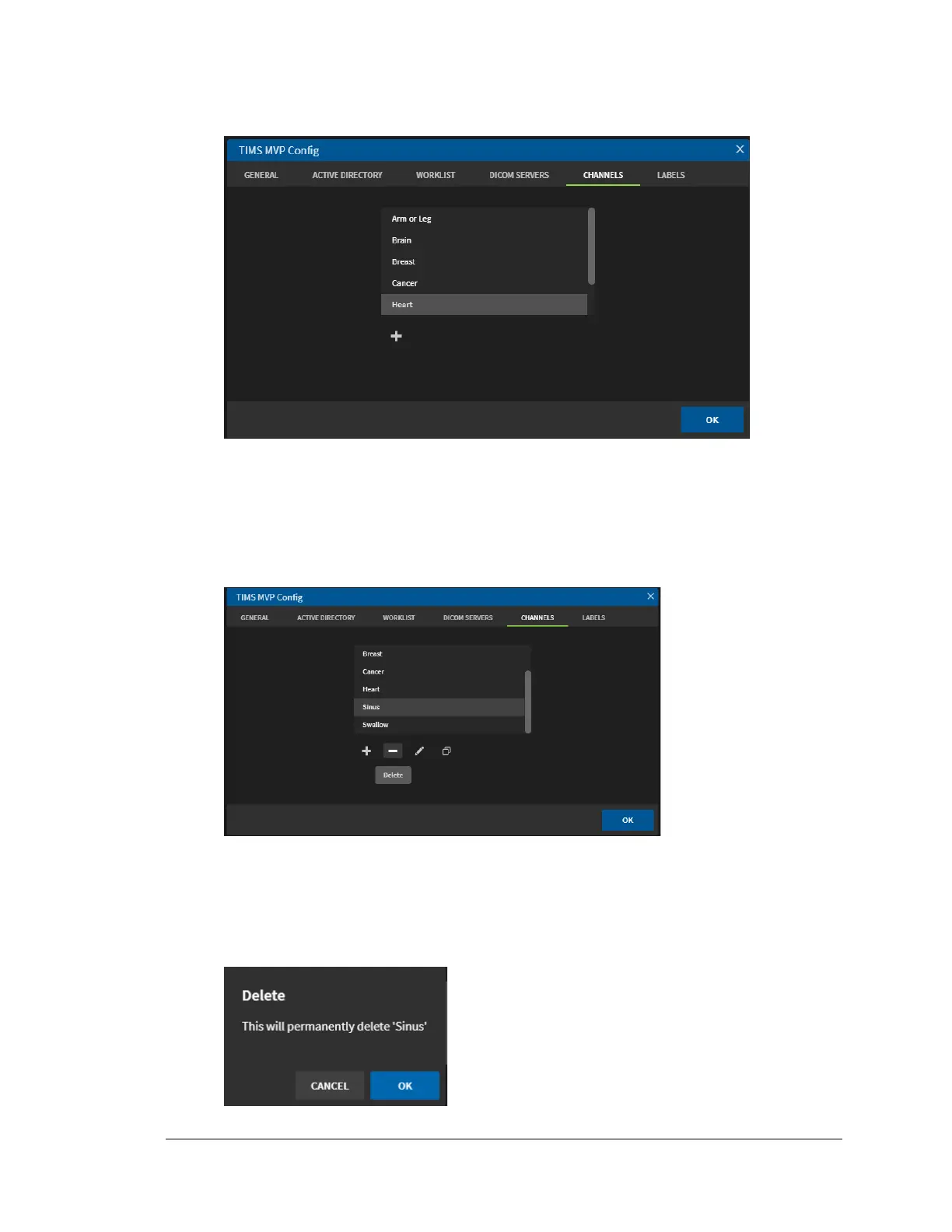
You delete a channel from the TIMS MVP Config Channel tab.
1. Select the channel you want to delete from the menu.
2. Click the Delete icon (minus sign) below the list of channels to delete the selected
channel.
3. Click OK to confirm you want to permanently delete the channel when you receive the
prompt.



 To Next Page