Getting Started
34 TIMS MVP™ Setup and Configuration Guide
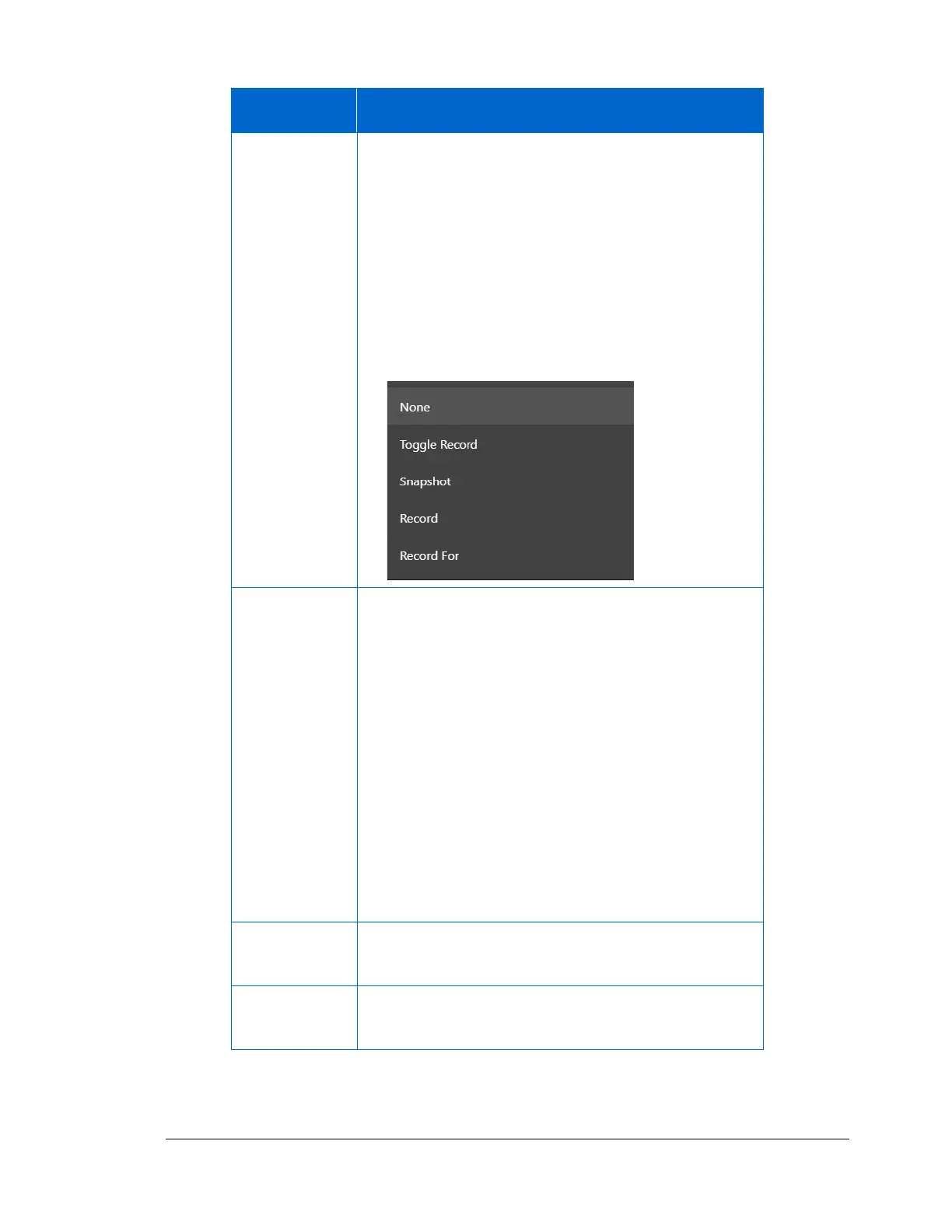
Select how you want to use the trigger for capturing
video and images. There five options:
• None – Trigger is attached to the TIMS unit but is
not going to be used
• Toggle Record – Use the foot pedal to start and stop
recording multiple times for a video so you can
capture specific intervals
• Record – Use the trigger to start recording and stop
recording a video.
• Record For –
This allows streaming capture of video to be started
and stopped each time the pedal is depressed. Choose
the selection that fits the pulse from the trigger when it
is depressed.
• While Low
If the foot pedal creates a LOW going pulse, and
stream capture is desired only while the pedal is
depressed, use this option.
• While High
If the foot pedal creates a HIGH going pulse, and
stream capture is desired only while the pedal is
depressed, use this option.
Enter the milliseconds that must elapse before another
trigger event is recognized.
Enter the number of frames that must elapse before
another trigger event is recognized.
3. Click OK to add the channel.



 To Next Page