Getting Started
TIMS MVP™ Setup and Configuration Guide 33
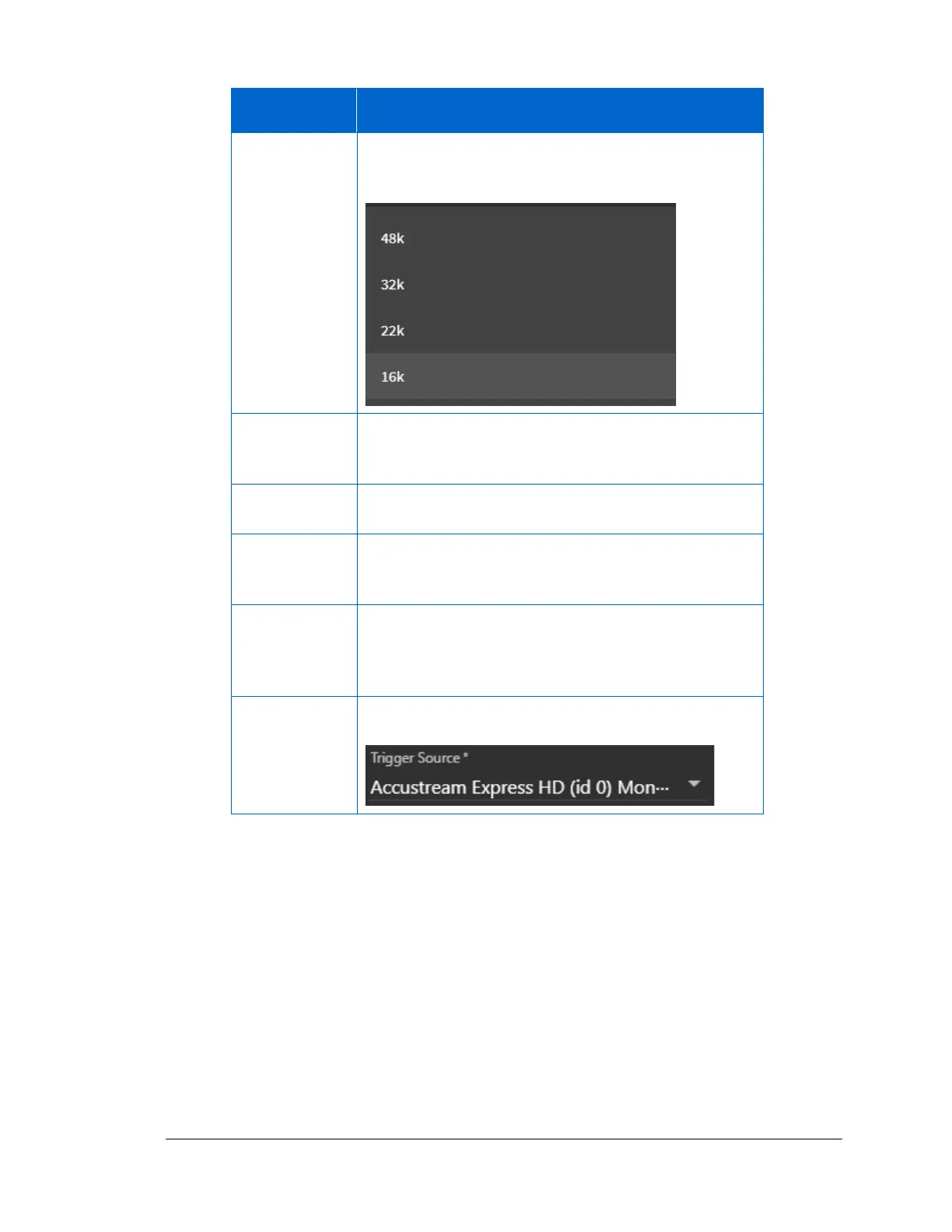
Select an audio sample rate from the drop-down menu.
Sample Rate defines the number of samples per second
taken from a continuous audio signal.
Select the bits per sample from the drop-down menu.
The Bits Per Sample indicates the sample size for the
audio file in bits per sample.
Select the image Snapshot Type from the drop-down
menu. The default selection is a JPEG (JPG) file.
Click the image type that you will capture. It is either
Monochrome (Black/White) or RGB color (Red, Green,
Blue)
This option sets the compression for image. The Quality
default is 90% for the best image size and quality. If you
need to change this option, use the slider to select the
compression percentage you want.
Use the drop-down menu to select the Trigger Source
available on your TIMS computer.



 To Next Page