TIMS MVP™ System Maintenance
TIMS MVP™ Setup and Configuration Guide 247
Optimize (Defragment) the Hard Drive
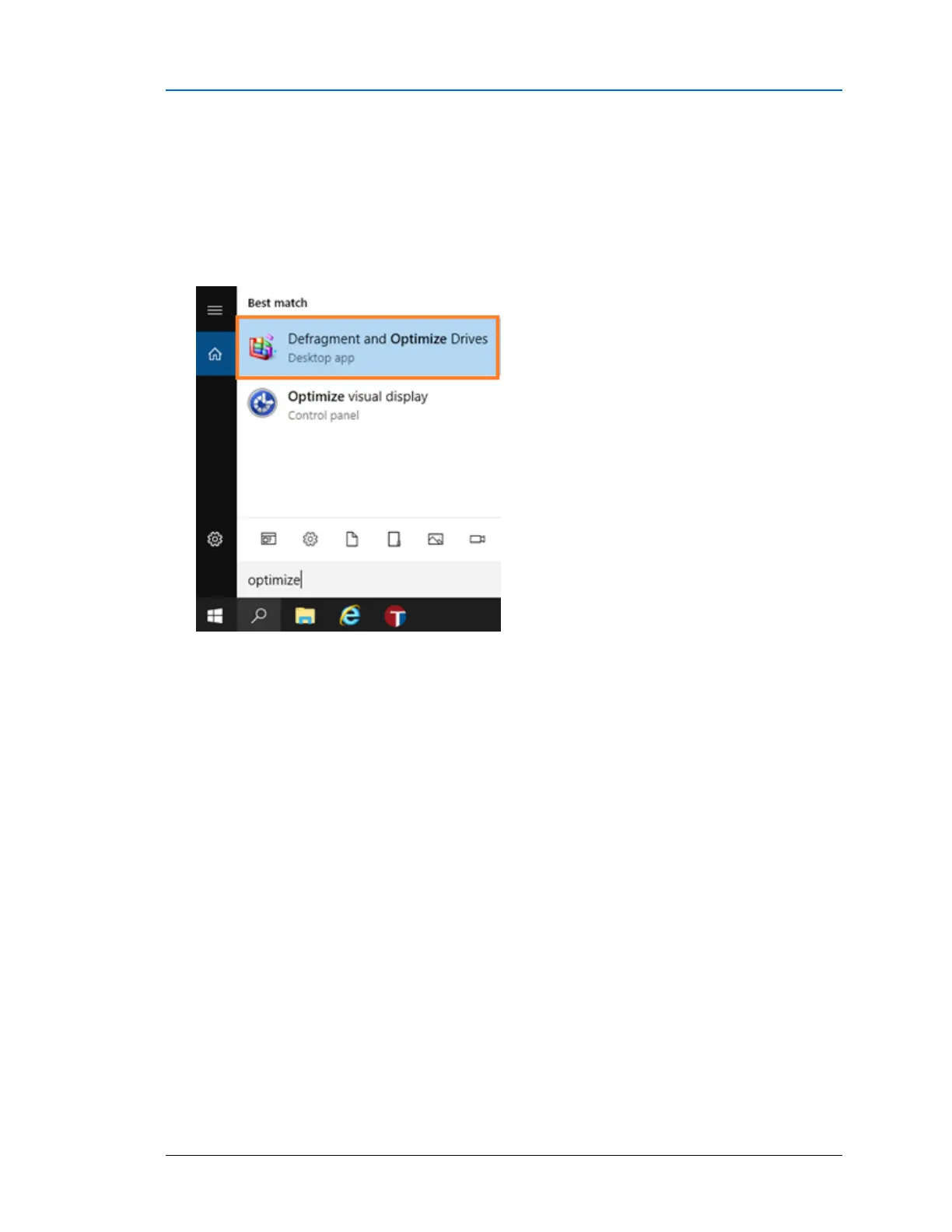
To check and optimize or defragment the hard drive:
1. Click the Windows Search bar in the bottom left-hand corner of the screen and type
optimize.
Click the Defragment and Optimize Drives selection.



 To Next Page