Configuring Security
84 TIMS MVP™ Setup and Configuration Guide
Migrate TIMS3 Settings
To migrate the TIMS3 settings:
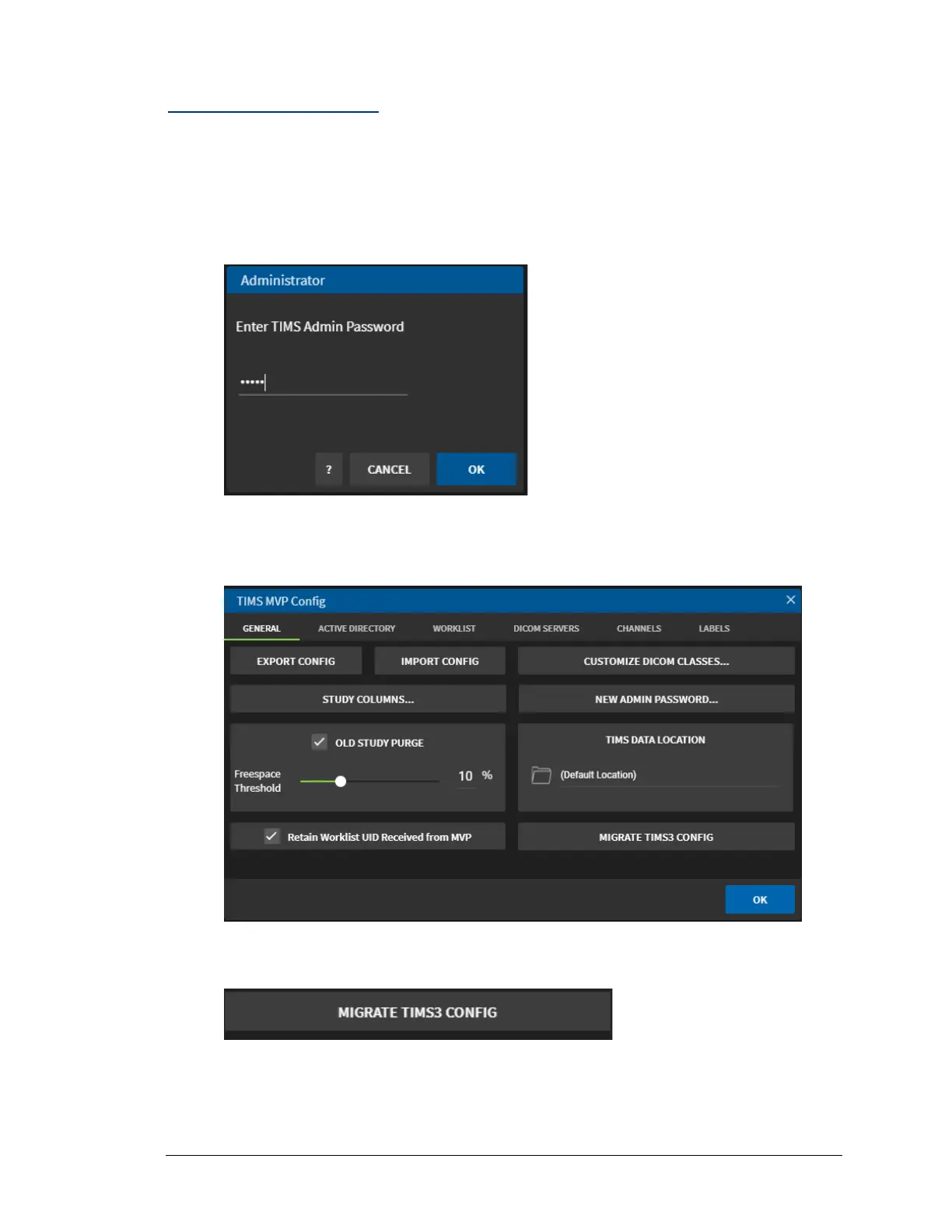
1. Open TIMS MVP™ and go to Help > Configuration.
2. Type in the administrator password when the Administrator login screen appears.
3. Click OK.
Result: The TIMS MVP Config page appears.
4. Click the Migrate TIMS3 Config button in the lower left-hand corner.
Result: The Migrate Configuration dialog appears.



 To Next Page