Configuring Security
TIMS MVP™ Setup and Configuration Guide 85
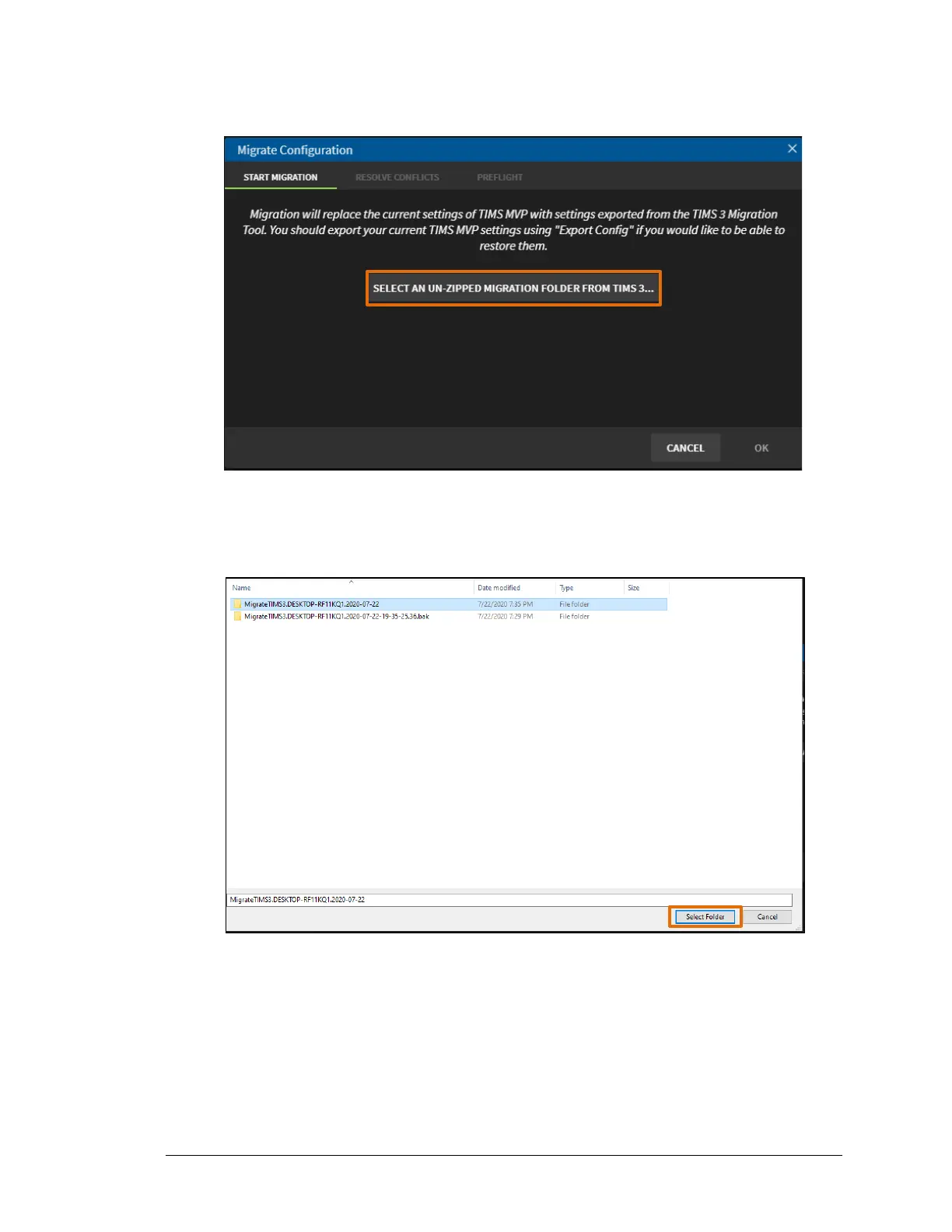
5. Click the Select An Un-Zipped Migration Folder From TIMS 3 Migration button.
Result: The folder which contains the TIMS3 migration files open.
6. Select the unzipped migration file and click Select Folder.
Result: The Migrate Configuration page displays with the Preflight tab selected. This tab
contains the migration summary.
IMPORTANT: If the Migrate Configuration page opens to the Resolve Conflicts tab, then
review the conflicts and make any necessary changes.



 To Next Page