IDEA Auto-SYNC with RGB/VGA/DVI Analog Video
TIMS MVP™ Setup and Configuration Guide 159
Procedure for Non-Calibrated Images
Use these steps when you have a non-calibrated image for which you want to verify the aspect
ratio.
1. Follow steps 1 through 4 in the previous procedure.
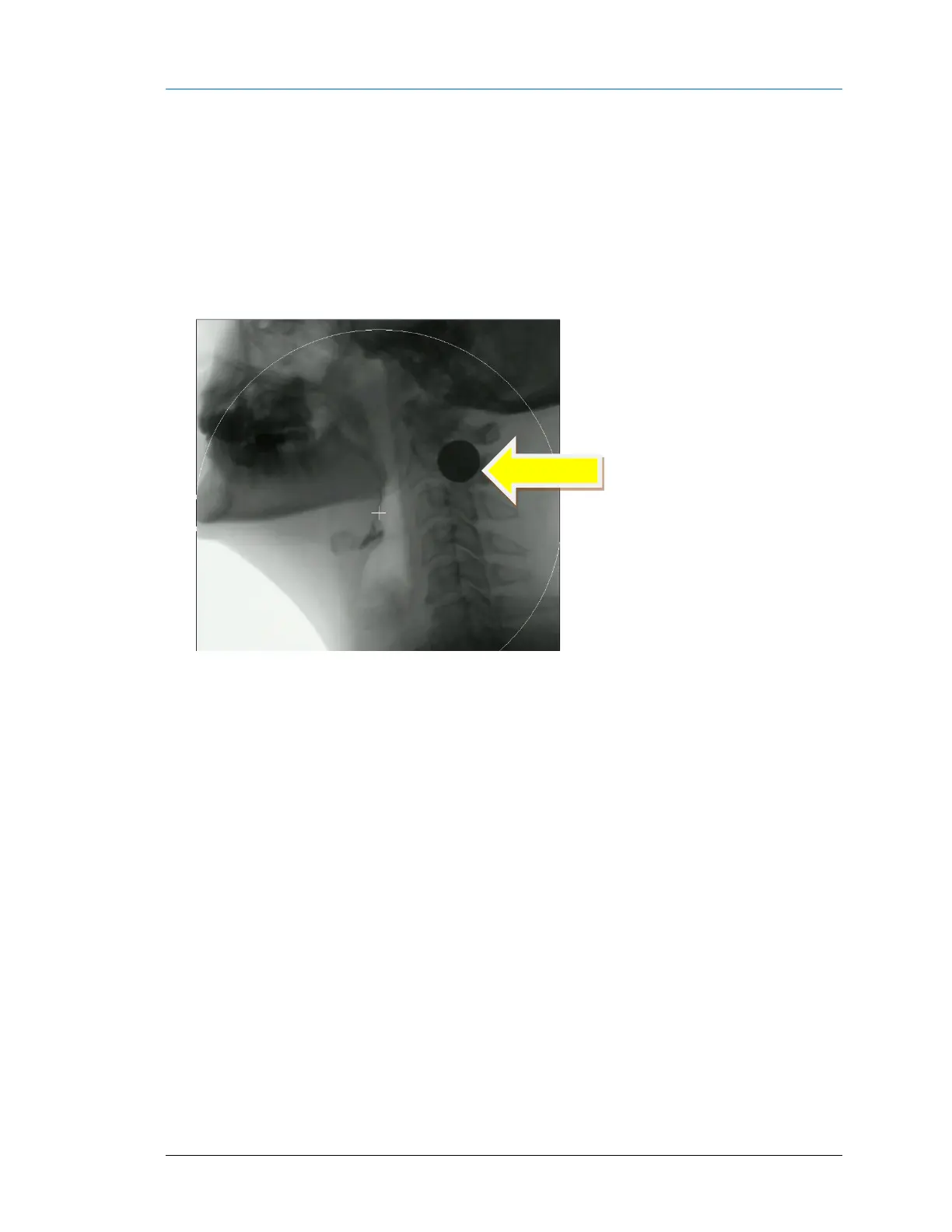
2. For a non-calibrated image, x-ray/fluoro a solid round object, preferably metal like a coin.
RESULT: A solid circle will appear in the image as shown.



 To Next Page