Getting Started
52 TIMS MVP™ Setup and Configuration Guide
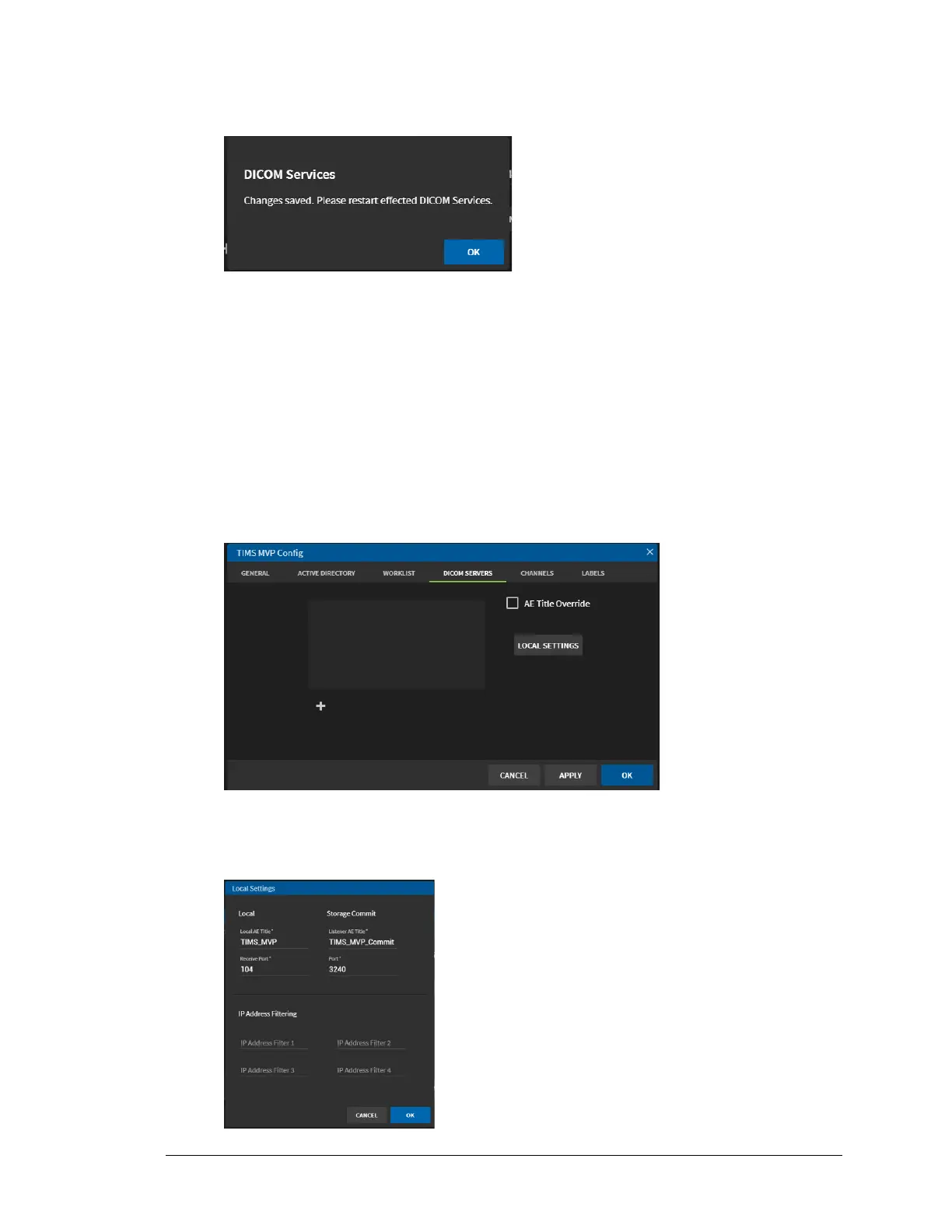
5. Click Apply. You saved your changes and you need to restart the effected DICOM
services.
6. Click OK.
Remove the AE Title Override
To remove the AE Title Override, click to uncheck the checkbox. The override AE Title is deleted.
The name is removed from the Worklist page. You need to restart the affected DICOM services.
Add DICOM Server Local Settings
To add the DICOM Server local settings:
1. Click the Local Settings button.
Result: The Local Settings page displays.
2. Complete the fields in the Local Settings page using the table below.



 To Next Page