Get Connected
18 TIMS MVP™ Setup and Configuration Guide
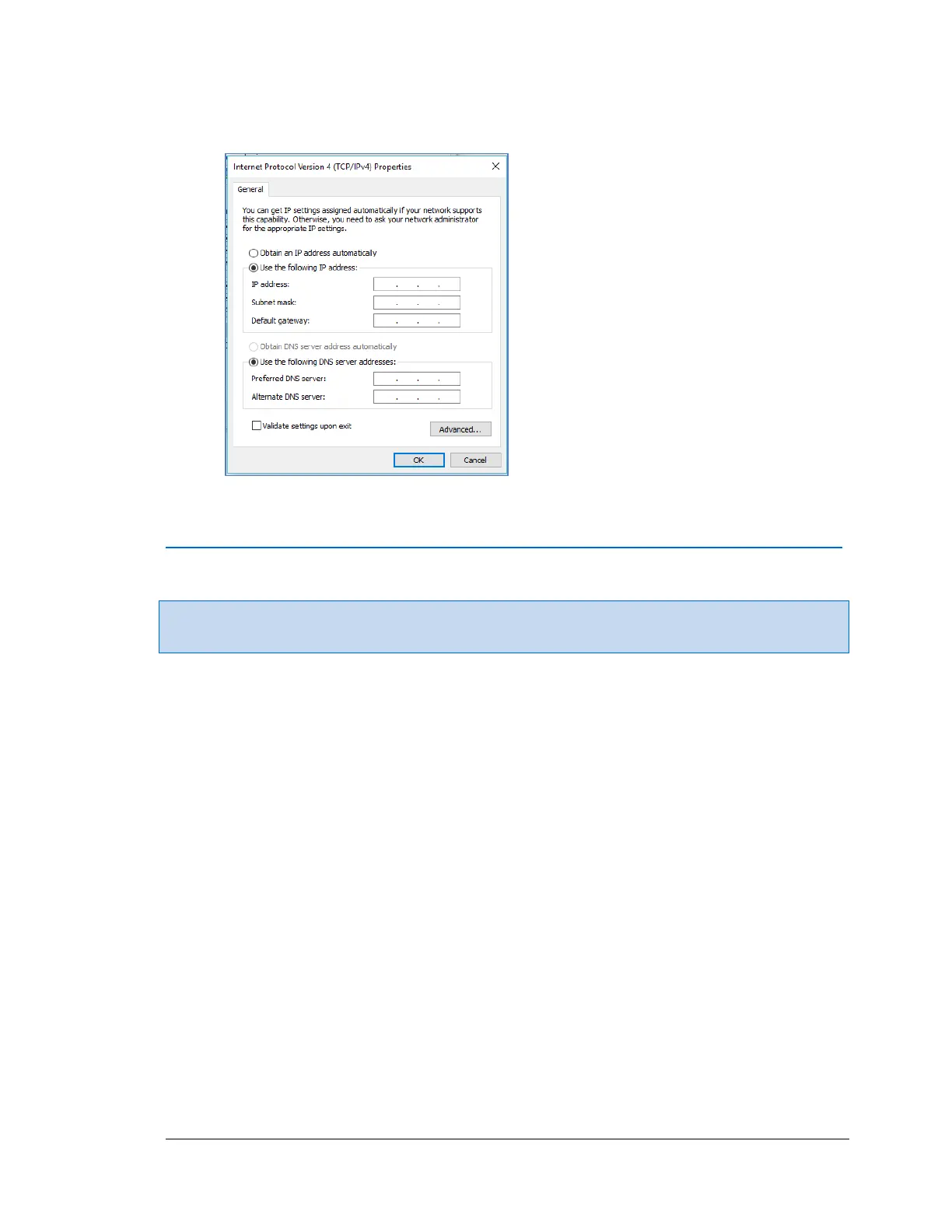
5. Click the Properties button. Select Use the following IP address. Enter the required IP
and DNS information.
6. Click OK.
Verifying Audio
Note: It is recommended that you verify audio settings before installing TIMS MVP™
software.
In order to use the synchronized audio capture feature on the TIMS MVP™ System, you should
verify the audio settings on your TIMS MVP™ system to ensure that your recording and playback
will work properly with TIMS MVP™.
To verify your TIMS MVP™ system audio settings for microphones and speakers:



 To Next Page