If you want to use a custom Common Hardware Profile,
use the drop-down menu to make your selection.
• None – The default selection – no custom CHP file
chosen.
• Import Format… - To import a CHP file, select this
option and the Import CHP File dialog appears.
Browse for the file and select it, click the Import
button.
• Reveal formats folder… - To import a CHP file from a
TIMS MVP™ folder, select this option and the TIMS
MVP™ folder opens. Select the CHP file and double-
click the file to select.
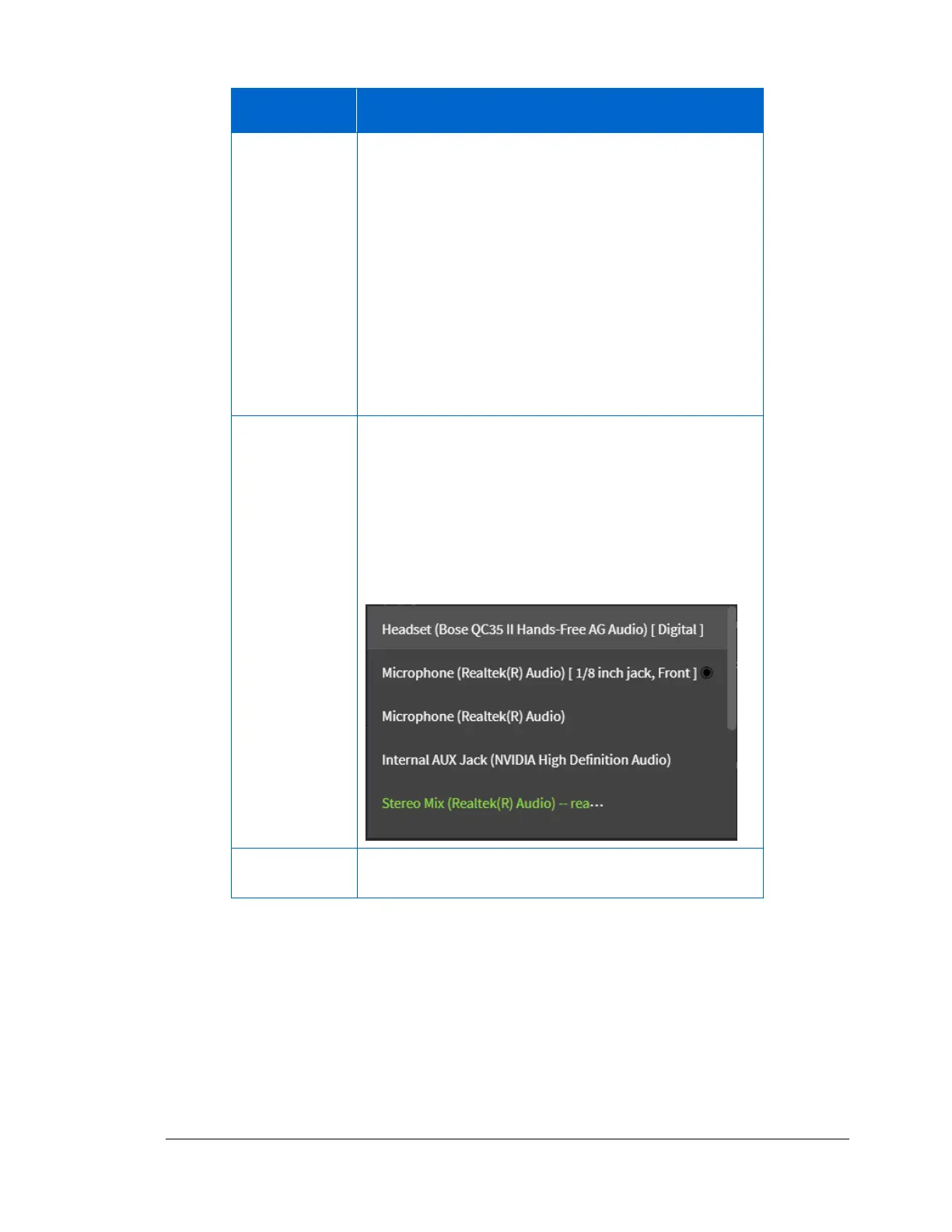
Use the drop-down menu to select the TIMS MVP™
audio sources available on your TIMS computer. All
available audio sources appear in green.
If the audio source is connected to the TIMS, the
selection will indicate the connection type (such as
USB) or the location of the connection on the TIMS
unit.
The selections also include TTS (Text to Speech) audio.



 To Next Page