Getting Started
TIMS MVP™ Setup and Configuration Guide 31
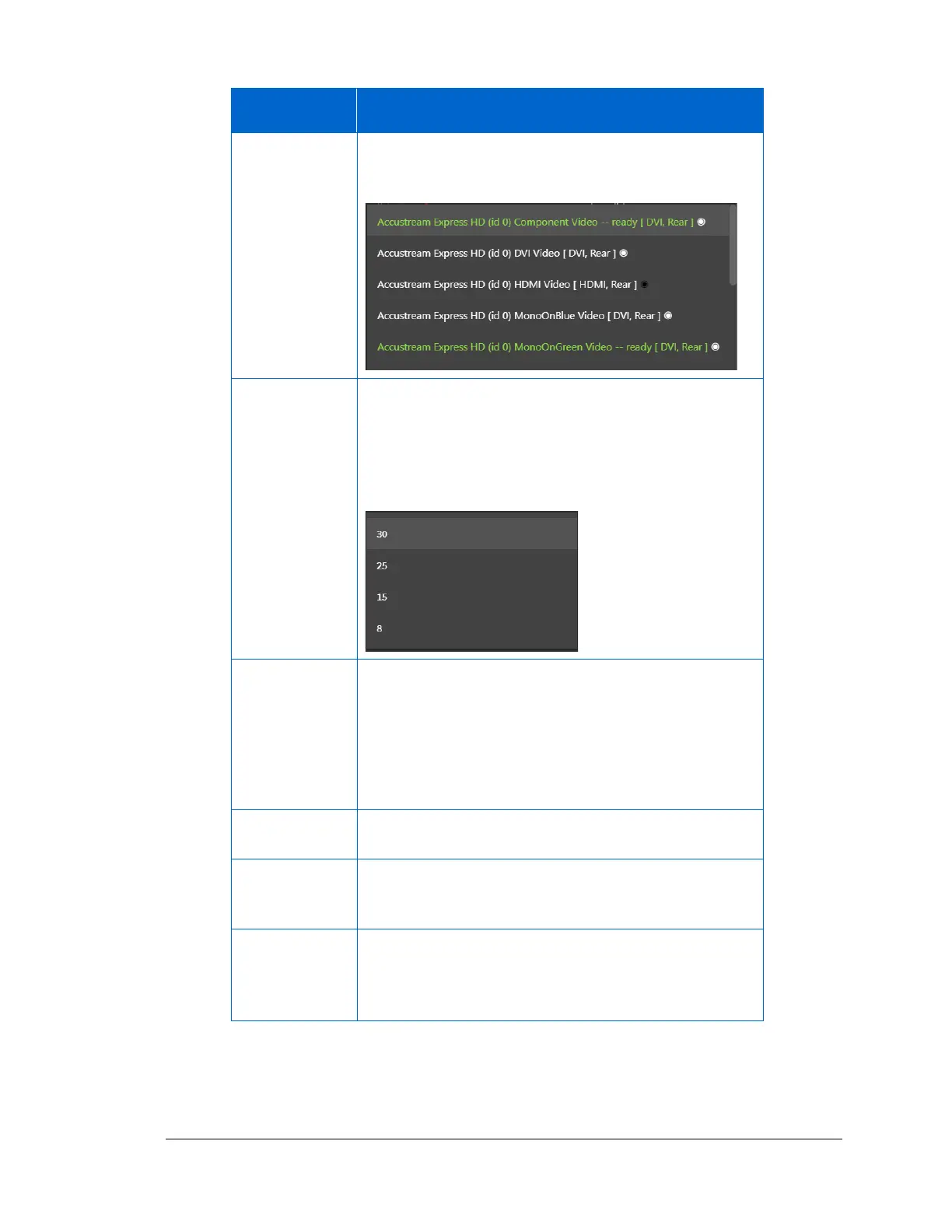
Select the video source from the drop-down menu.
Select the connection on the AccuStream board that is
being used for the channel.
The playback speed is determined by the default
animation speed of 30 frames per second or another
value that you can set from the drop-down menu.
It recommended you keep the default of 30, unless you
need the lower animation speed.
Two options for choosing a frame rate type:
• Best Frame Rate – This will use the actual frame rate
as close as possible to the rate chosen in the Frame
Rate field.
• Fixed Frame Rate – This will always give you the
frame rate specified in the Frame Rate field.
Select the capture type you will use with the modality.
It is either a JPEG (JPG) image or an MP4 video.
Click the video type that you will capture. It is either
Monochrome (Black/White) or RGB color (Red, Green,
Blue)
This option sets the compression for video. The Quality
default is 90% for the best video size and quality. If you
need to change this option, use the slider to select the
compression percentage you want.



 To Next Page