Getting Started
30 TIMS MVP™ Setup and Configuration Guide
Provide a name which helps you identify how the
channel is used. For example, type the name Heart.
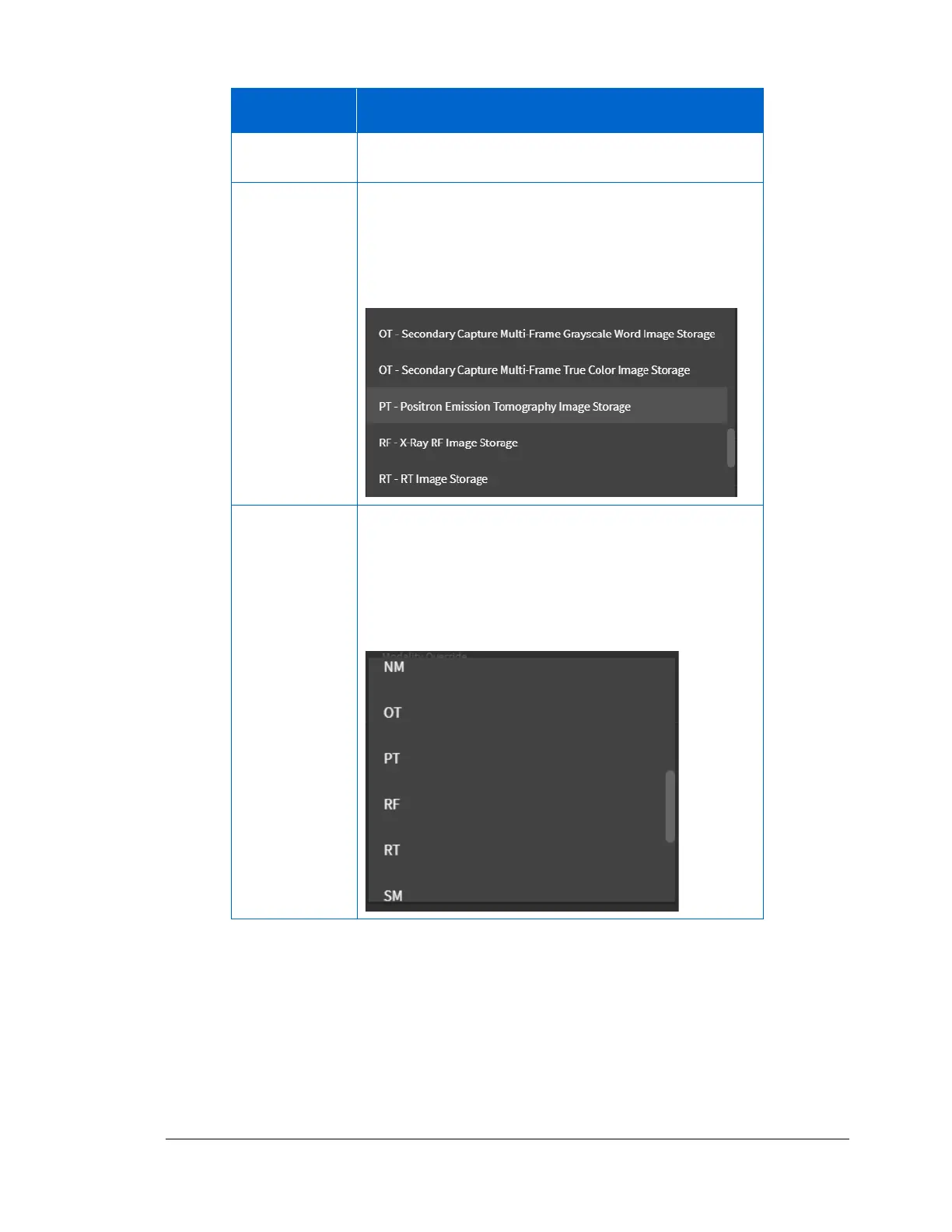
From the drop-down menu, select the modality type.
Scroll through the list to find the correct modality.
For example, for the heart, select PT-Positron Emission
Tomography Image Storage.
Modality
Override
(Optional)
From the drop-down menu, select the shortened
modality identifier name. Scroll through the list to find
the correct modality.
For example, you might want to use PT rather than PT-
Positron Emission Tomography Image Storage.



 To Next Page