IDEA Auto-SYNC with RGB/VGA/DVI Analog Video
106 TIMS MVP™ Setup and Configuration Guide
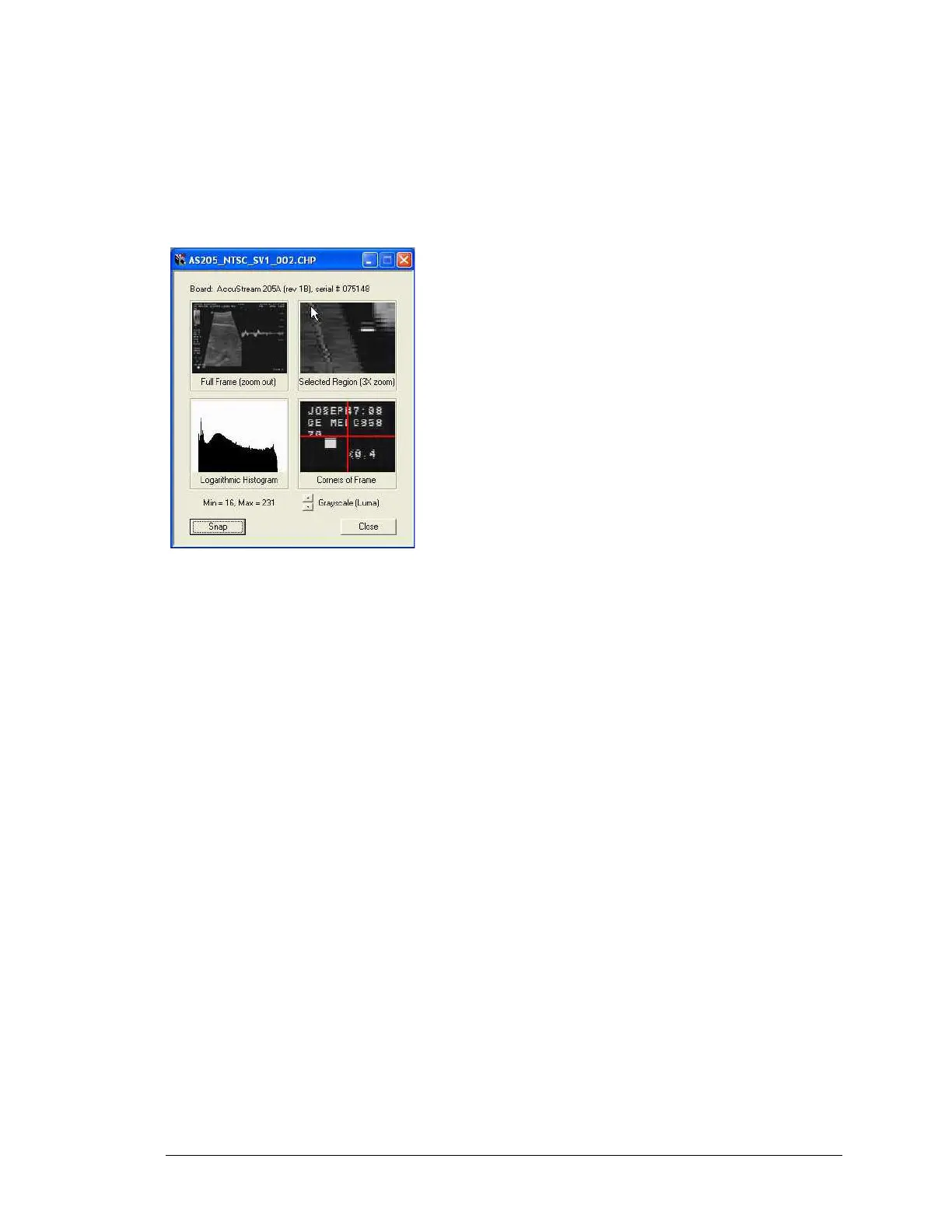
The Multi-view window displays multiple monochrome views of the image (zoom, histogram,
etc.) and also displays the board type (and its serial number) that is being used. When using an
AccuStream board, the Multi-view window can display either Y-only (luma) grayscale or one of
the three RGB color planes. The figure also shows a full-size window that displays the entire
image (with scroll bars, if needed). Both windows are useful when running the Auto-SYNC
Wizard.
Figure 16: IDEA Auto-SYNC Wizard Multi-view Window
Every page of the Auto-SYNC Wizard includes a pair of Back/Next buttons for navigation; steps
in the Auto-SYNC Wizard can be repeated as needed. Convenient buttons to bring up the
Histogram (in the multi-view window) or the Full-Size view window on the CHP file are available.



 To Next Page