Getting Started
38 TIMS MVP™ Setup and Configuration Guide
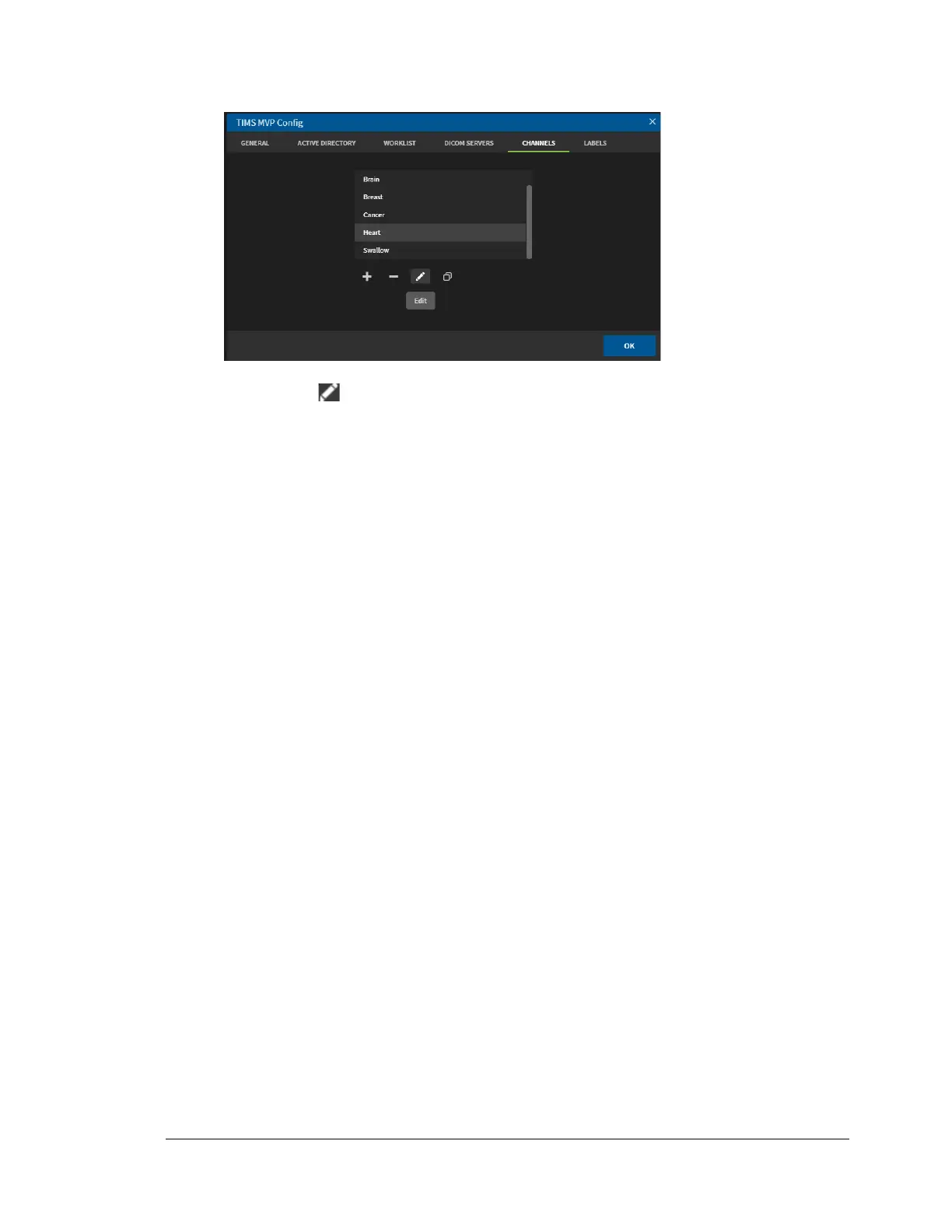
1. Select the channel for which you want to make a name change from the channels list.
2. Click the Edit icon. The Channel Editor page opens.
3. In the Name field, type in a new name for the channel and click OK when done.
The channel appears in the channels list with the new name.



 To Next Page