IDEA Auto-SYNC with RGB/VGA/DVI Analog Video
156 TIMS MVP™ Setup and Configuration Guide
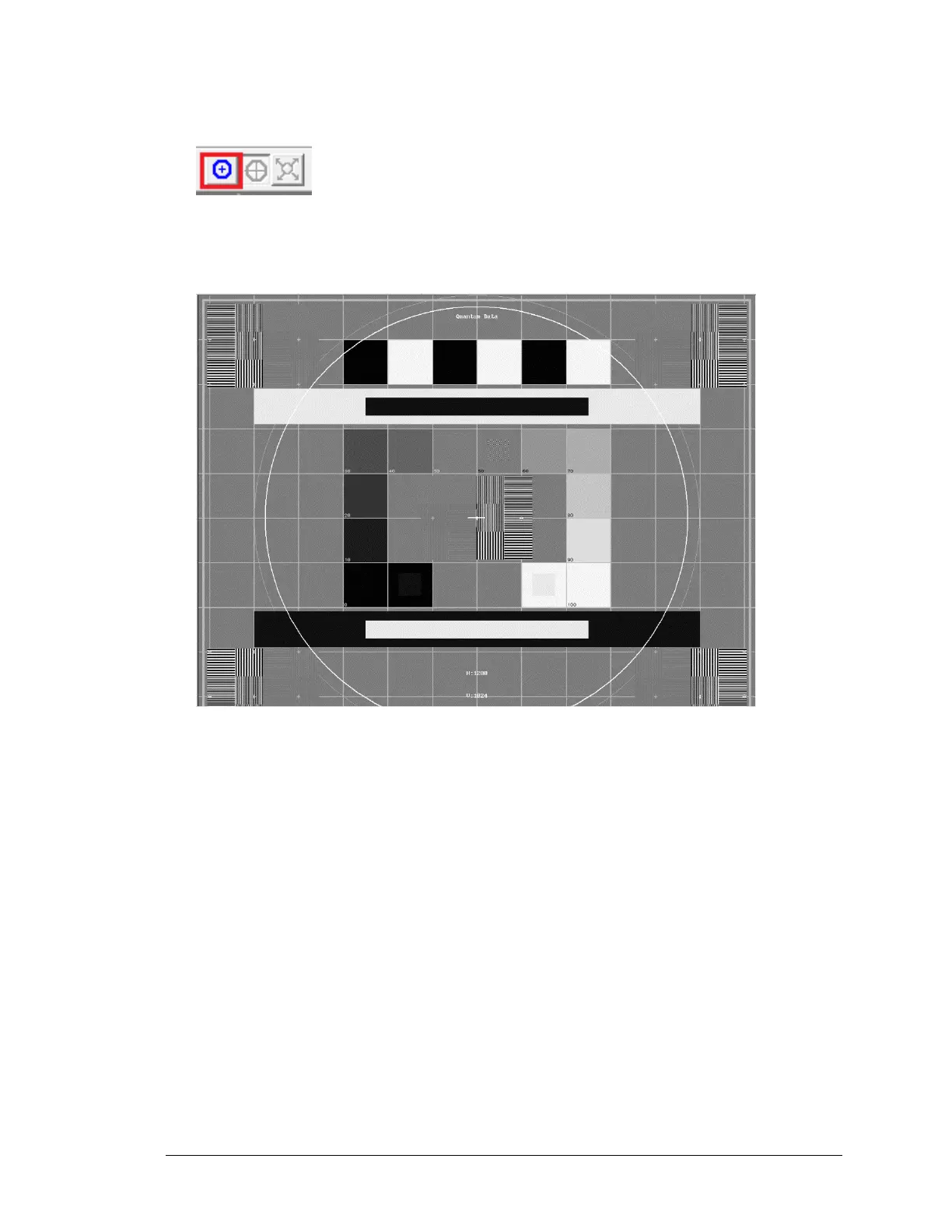
4. Select the hide/unhide circle icon from the IDEA Auto-SYNC main menu to display the white
circle.
RESULT: A white circle appears in your captured image.
5. In the captured image, target an area which is either a square or circular. In
this example we will target a square area.



 To Next Page