Configuring Security
TIMS MVP™ Setup and Configuration Guide 87
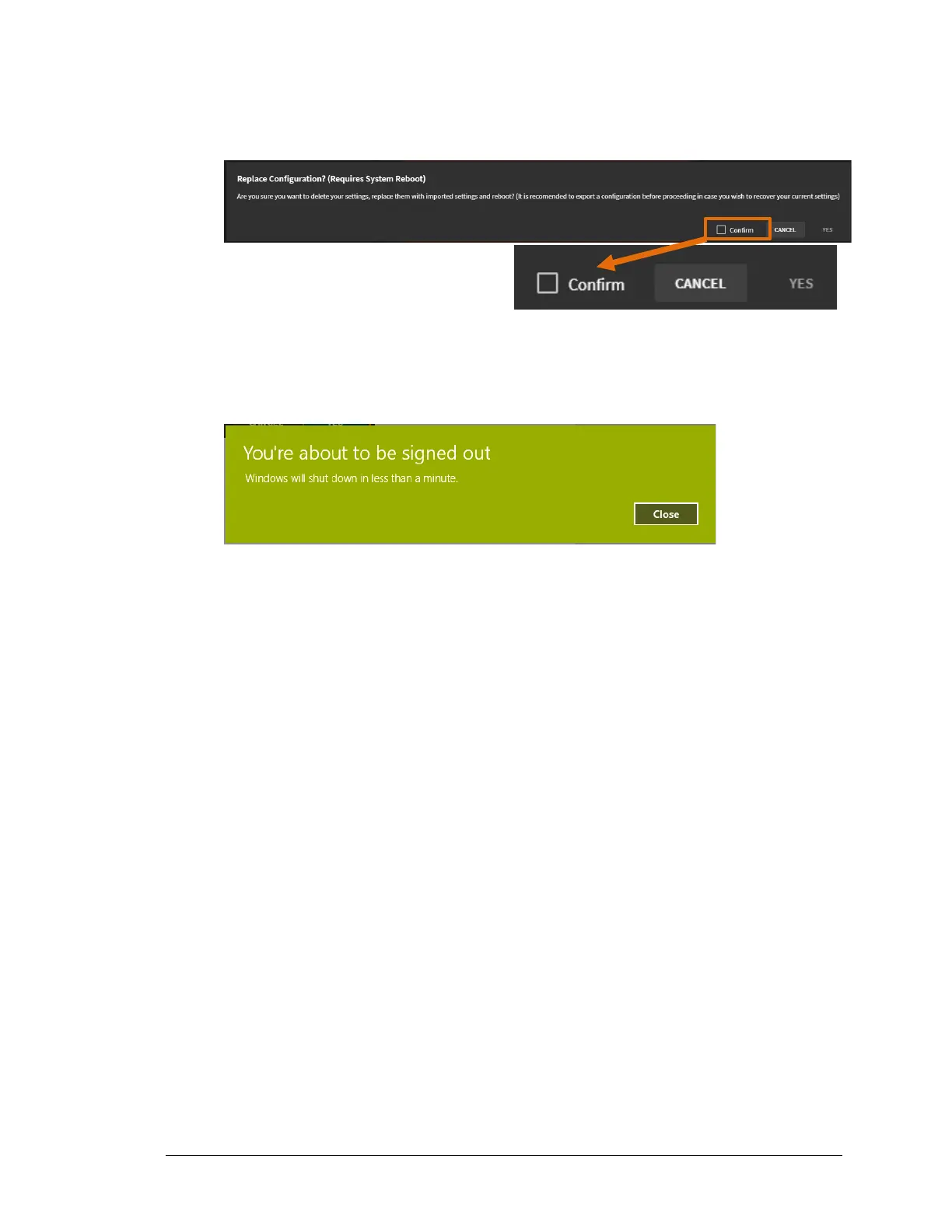
8. When the Replace Configuration? (Requires System Reboot) message appears, click the
Confirm checkbox.
9. Click Yes to start the migration.
Result: A message appears telling you that the system will reboot in less than one
minute. Click Close.
10. Once the reboot is completed, you can reopen TIMS MVP™ with the migrated settings.



 To Next Page