Using Auto-SYNC for Digital Input Connections
TIMS MVP™ Setup and Configuration Guide 165
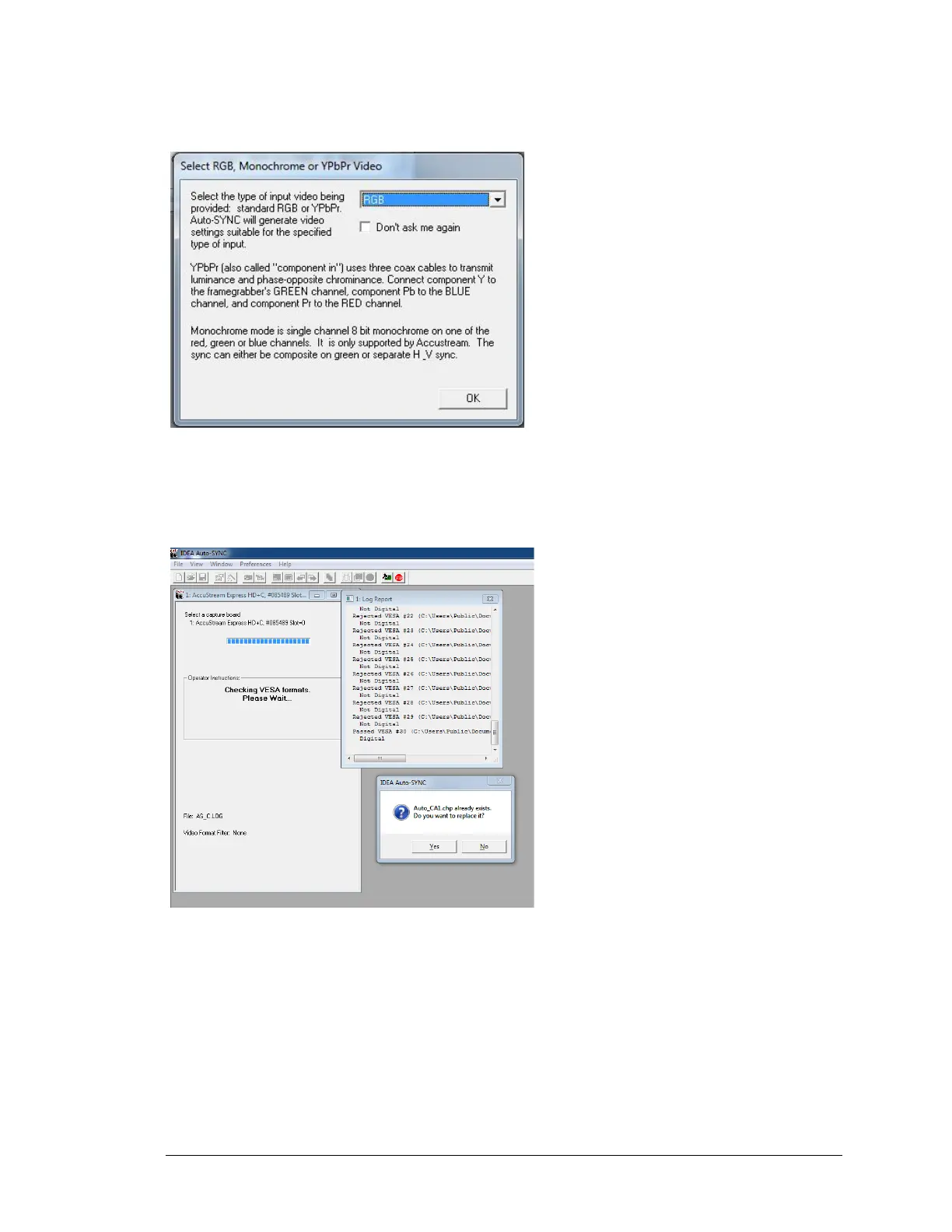
Next select the type of input video from the dropdown menu.
RGB, YPbPr or Monochrome video.
Figure 67: Select RGB, Monochrome or YPbPr video
Auto-SYNC will measure the incoming video’s pixel clock rate and match the video source with a
pre-made video format template and create the new chp file.
Figure 68: Prompt to Save CHP file.



 To Next Page