Using Auto-SYNC for Digital Input Connections
TIMS MVP™ Setup and Configuration Guide 169
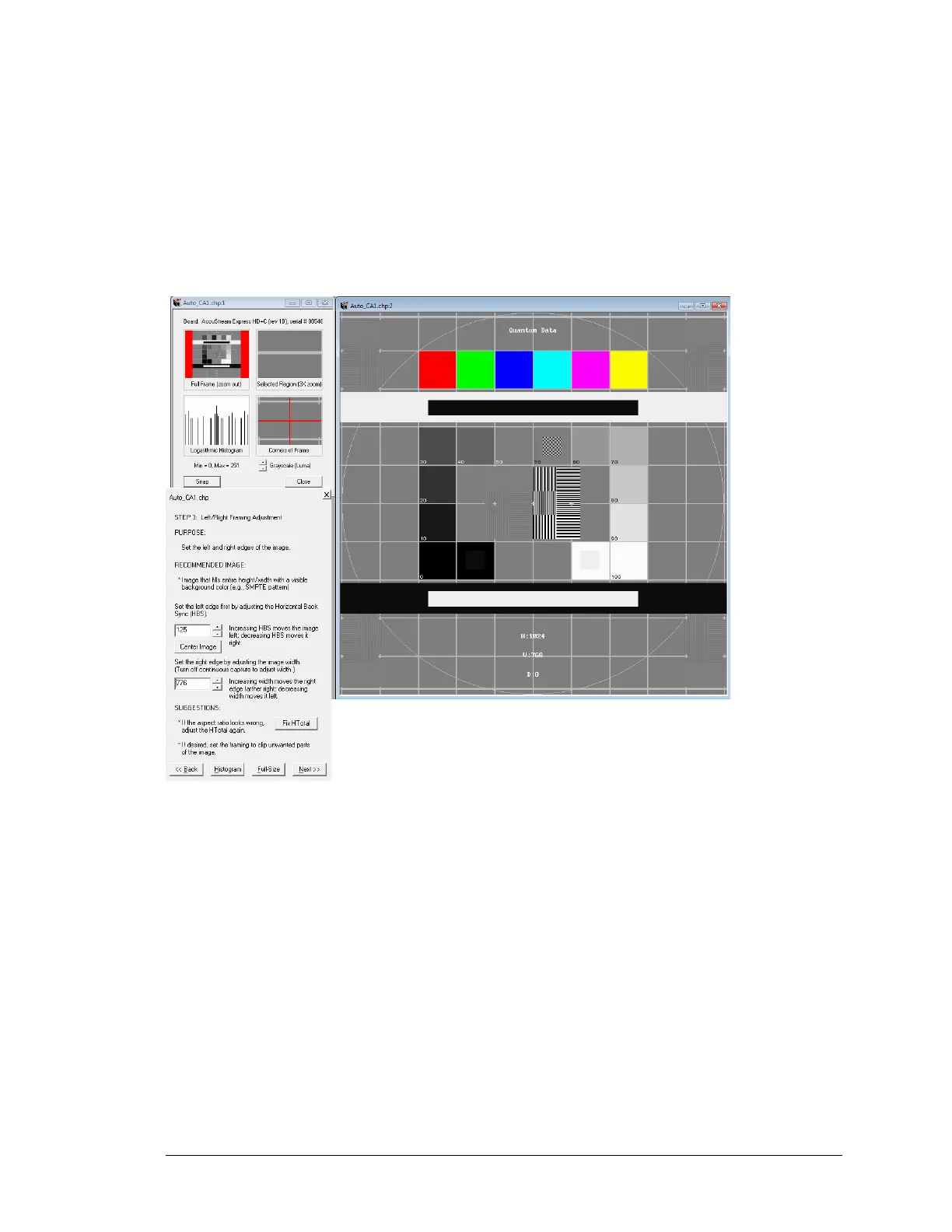
Let’s set the image AOI to 776x768:
Set the starting position of the image:
• Adjust the left edge by increasing HBS to 125. (Horizontal Back Sync)
• To set the end position of the image: Decrease WIDTH to 776.
Notice the image width is now the size of the SMPTE circle.
Figure 72: Auto-SYNC Wizard Step 1



 To Next Page